Fall 2021 (Oct-Dec)

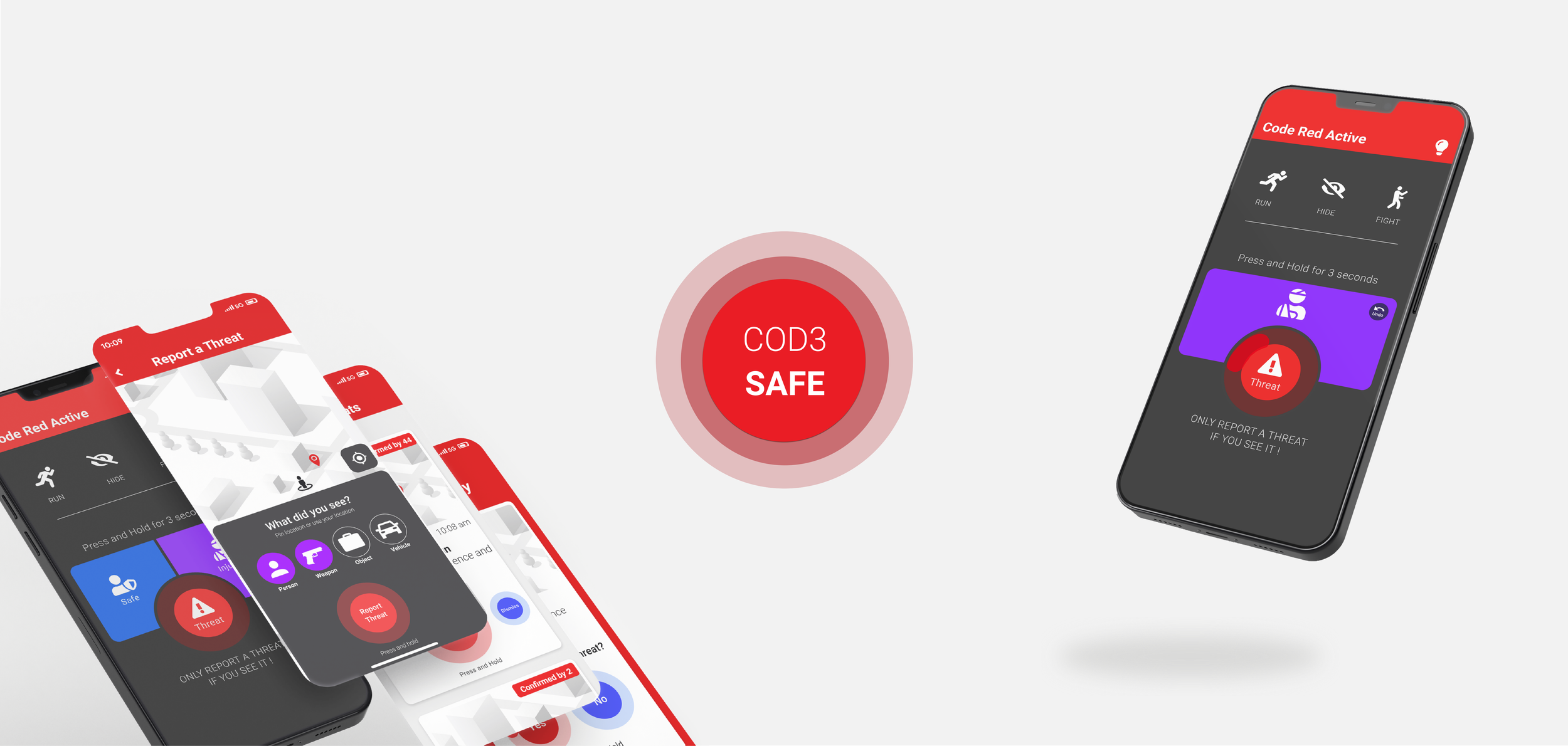
COD3 SAFE is a communication system that provides a platform for high school students to report threats before they escalate as well as a tool to aid first responders in pinpointing and neutralizing an active threat as quickly as possible.
COD3 SAFE
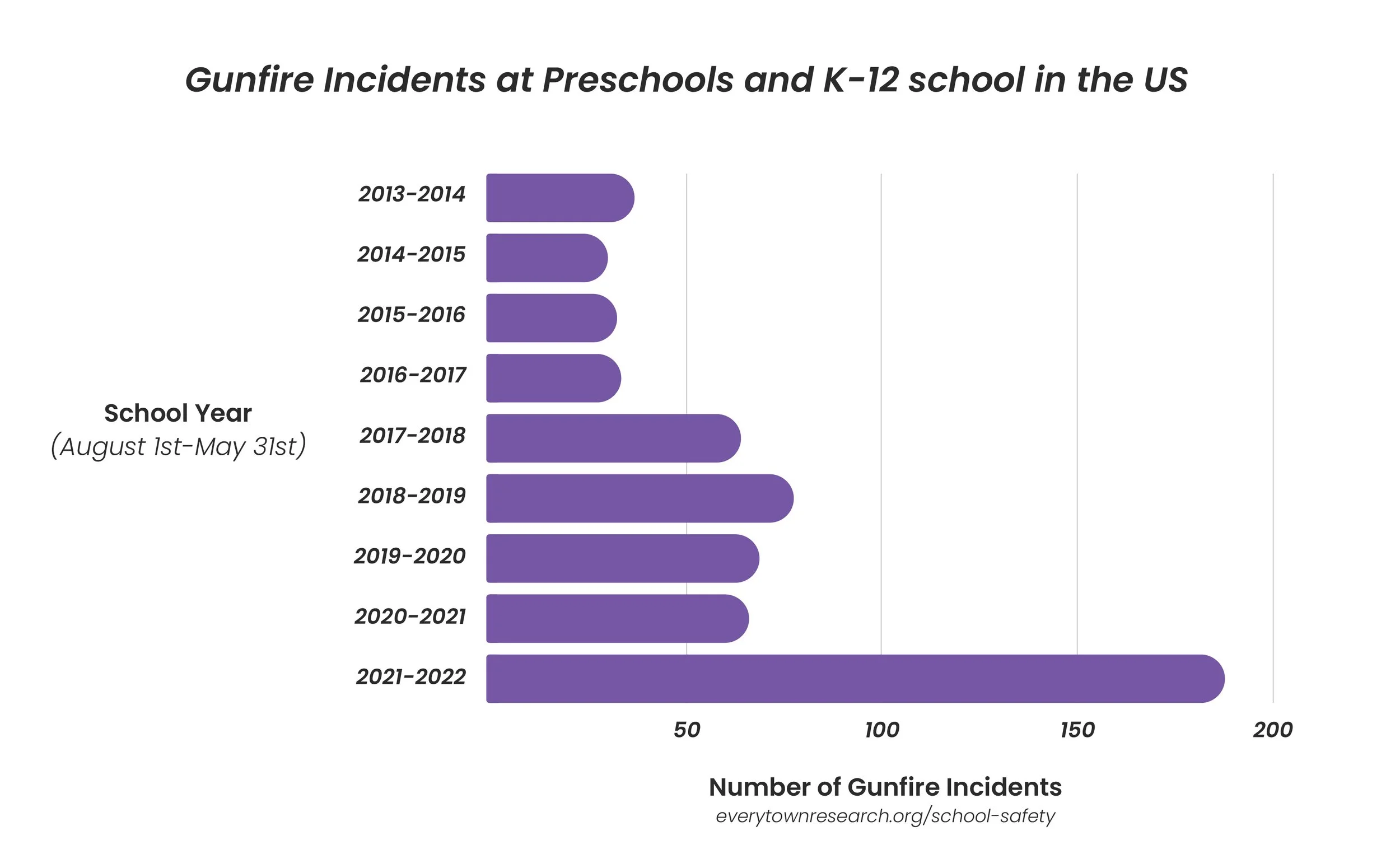
The number of gunfire incidents at schools keeps increasing in the United States.
A recent scenario involved Robb Elementary School in Uvalde, Texas where 19 children and two teachers were killed and 17 others were injured.
A Recurring Issue
Research
A high school counselor and a police officer were interviewed regarding what protocol is followed in case a gunfire incident were to occur at a high school campus.
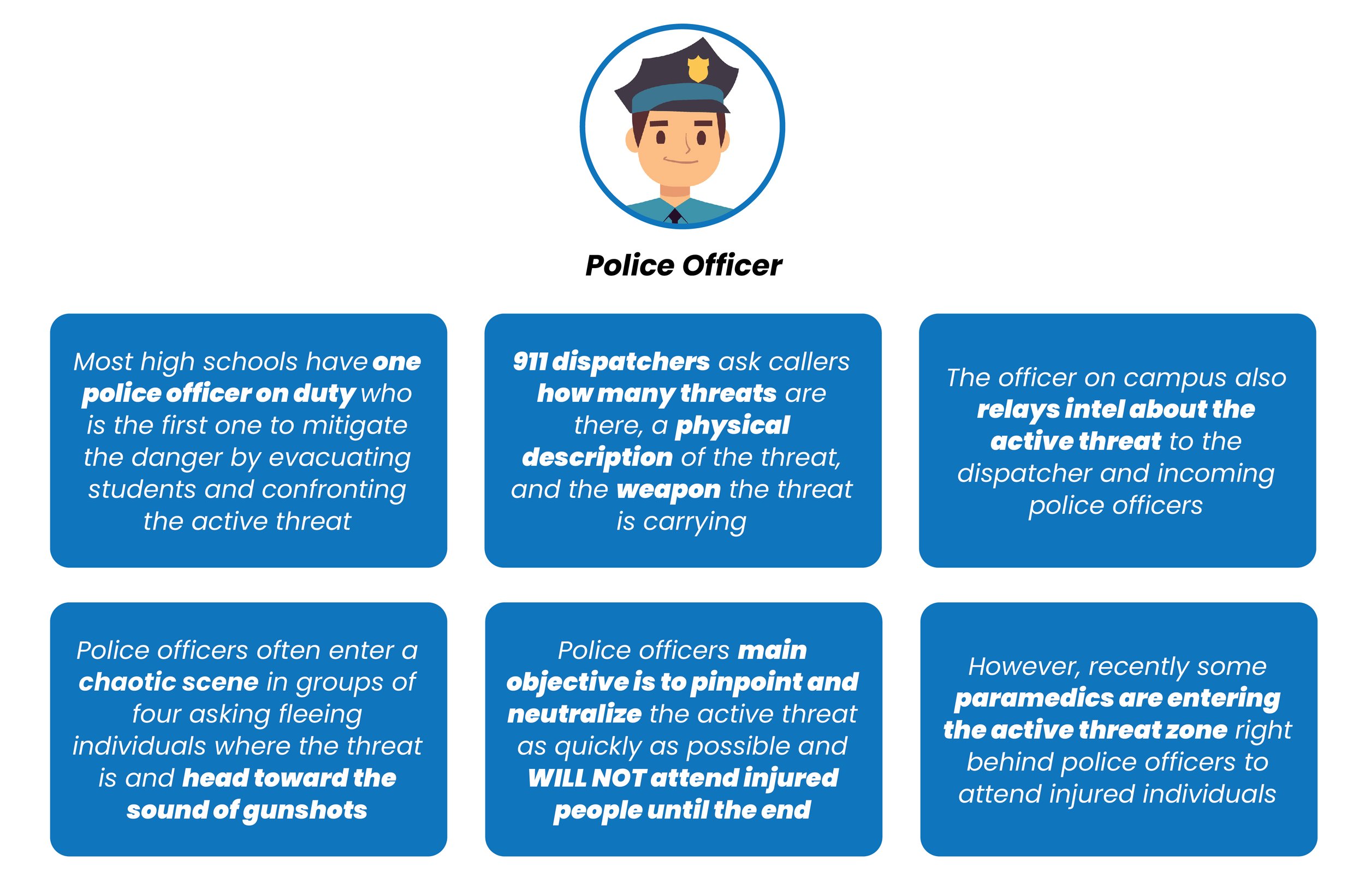
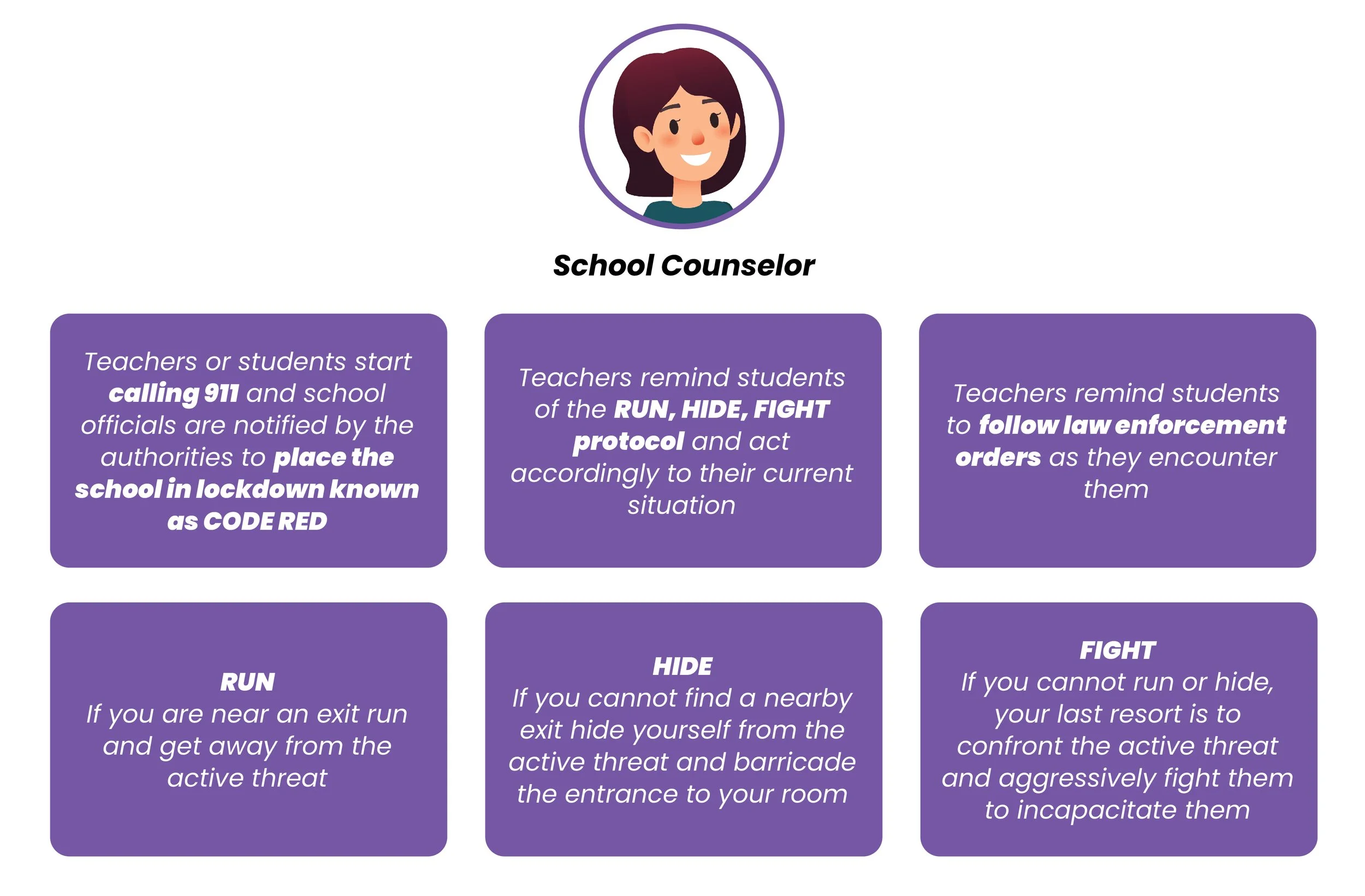
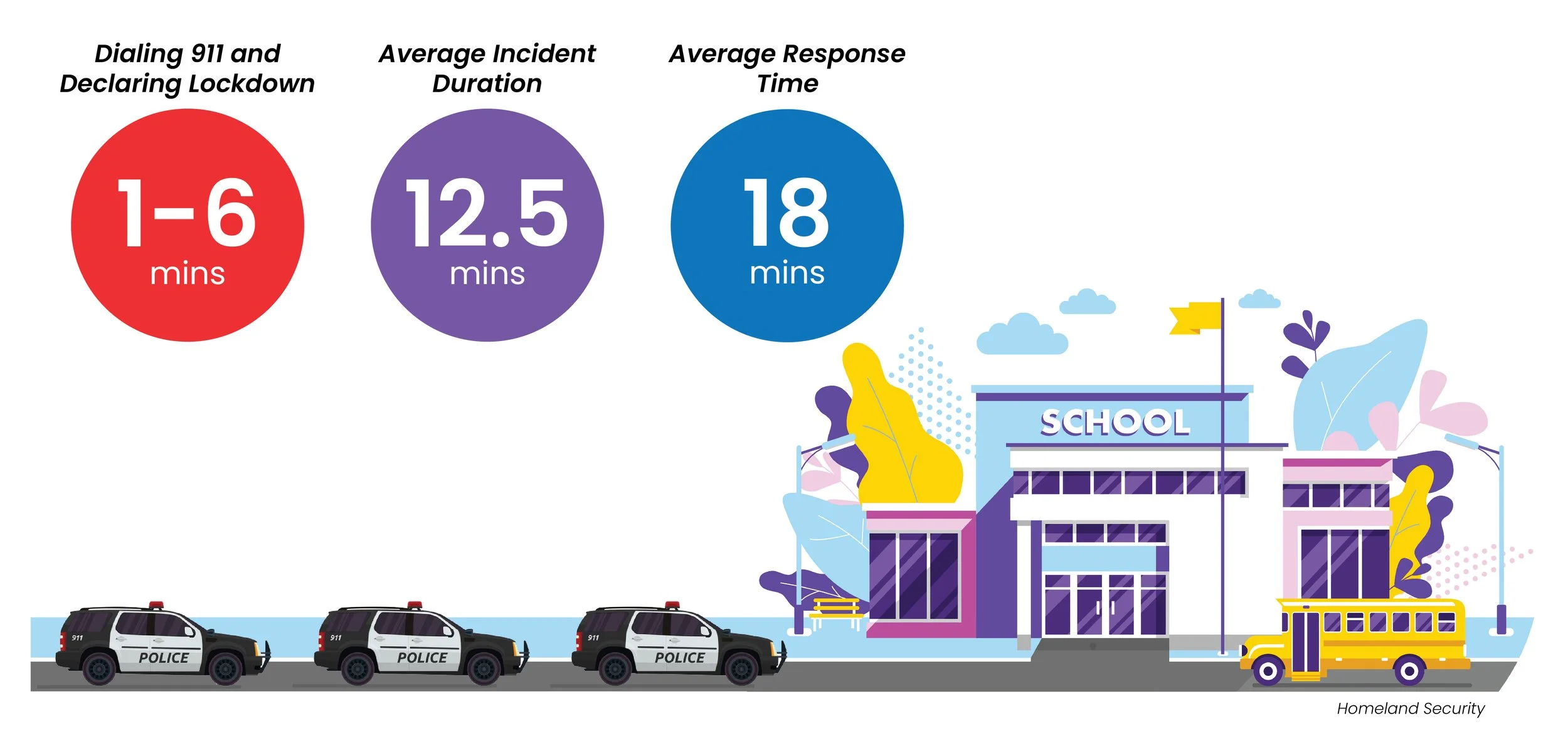
Timing during a Gunfire Incident
A Chaotic Environment
“We had no clue whether the shooter was on the opposite side of campus or right outside our door. That fear made it feel like we were waiting in silence forever”
-Monica (Student at Santa Clarita High)
“Chaos broke out in the immediate aftermath of the shooting. Everybody was screaming, everybody was running out, It was crazy."
-Bryson Conkwright (Student at Marshall County High)
Based on the interviews and statistics, the main users of this product will be students, school staff, and 911 dispatchers.
Users need a few specific options to report threats quickly
The app must be fast, responsive, and easy to use in a high-distress and chaotic environment
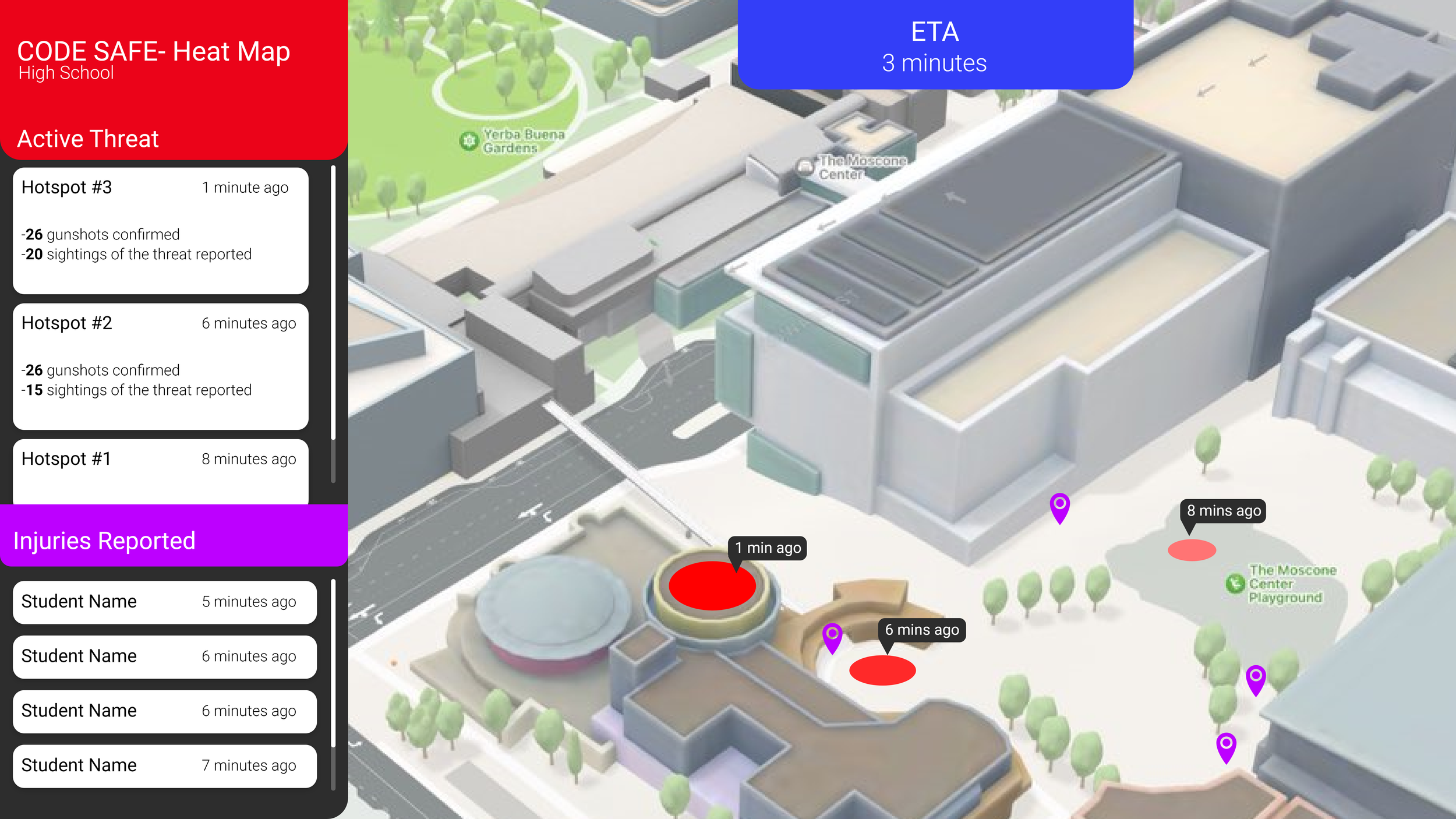
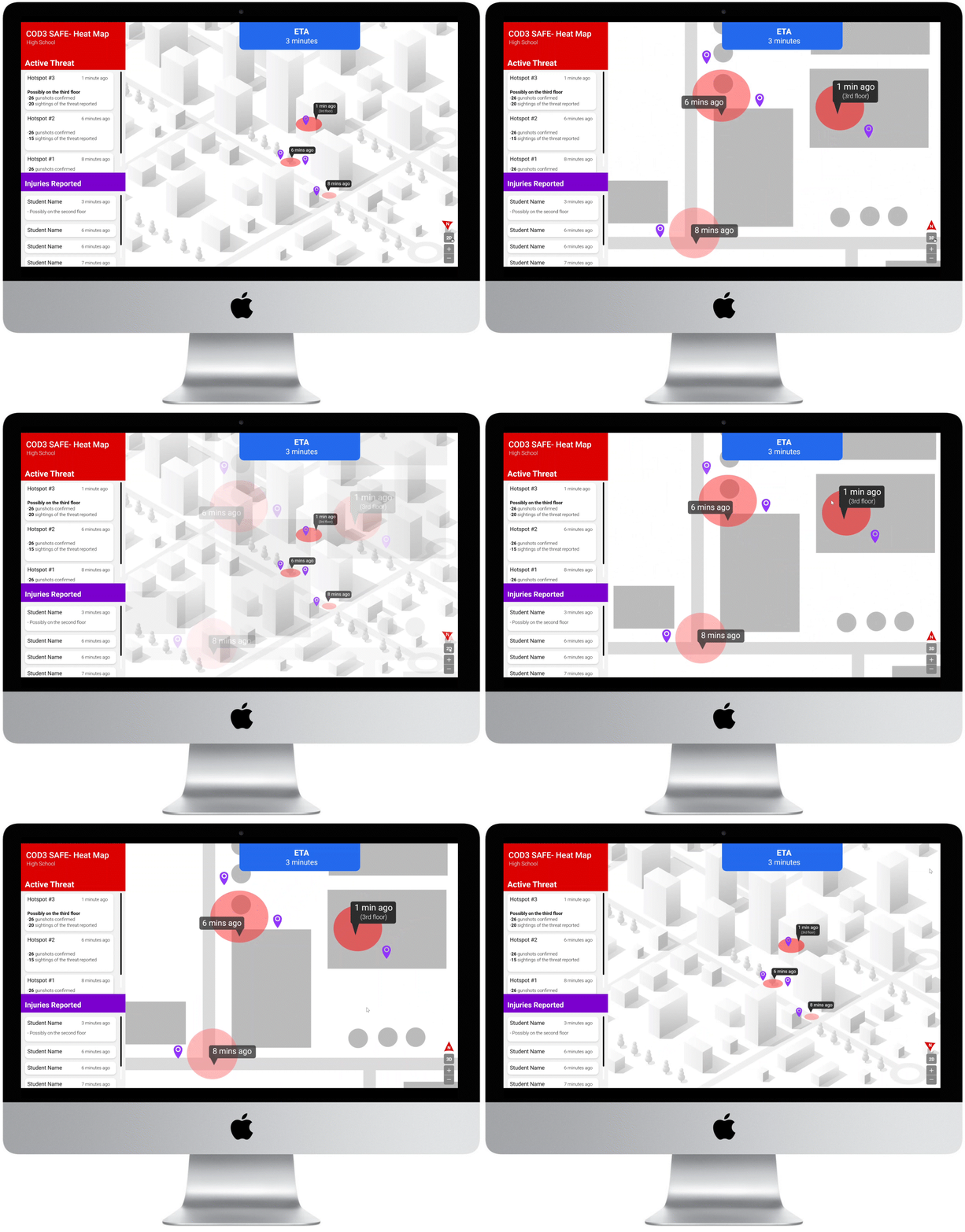
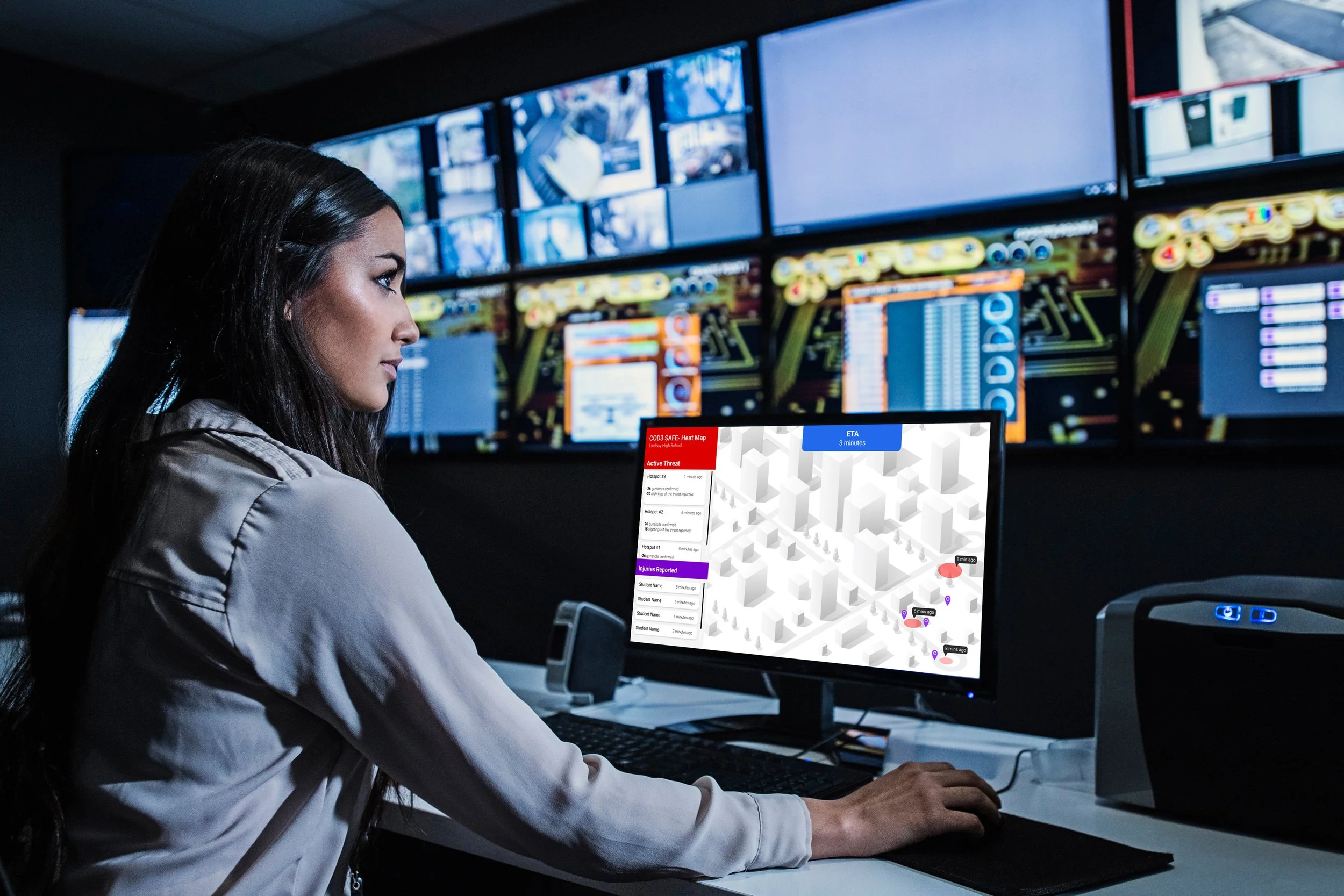
911 dispatchers need a clear and concise interface to keep track of the active threat in order to relay the location of the threat quickly to responding police officers
Synthesis and Goals
Users


Aged 13-18
Most high schoolers have a phone with GPS
Teachers and other school staffing have phones and radio communication to communicate with each other
Dispatchers work on their multiple computer monitors everytime they have an incoming emergency
Storyboards
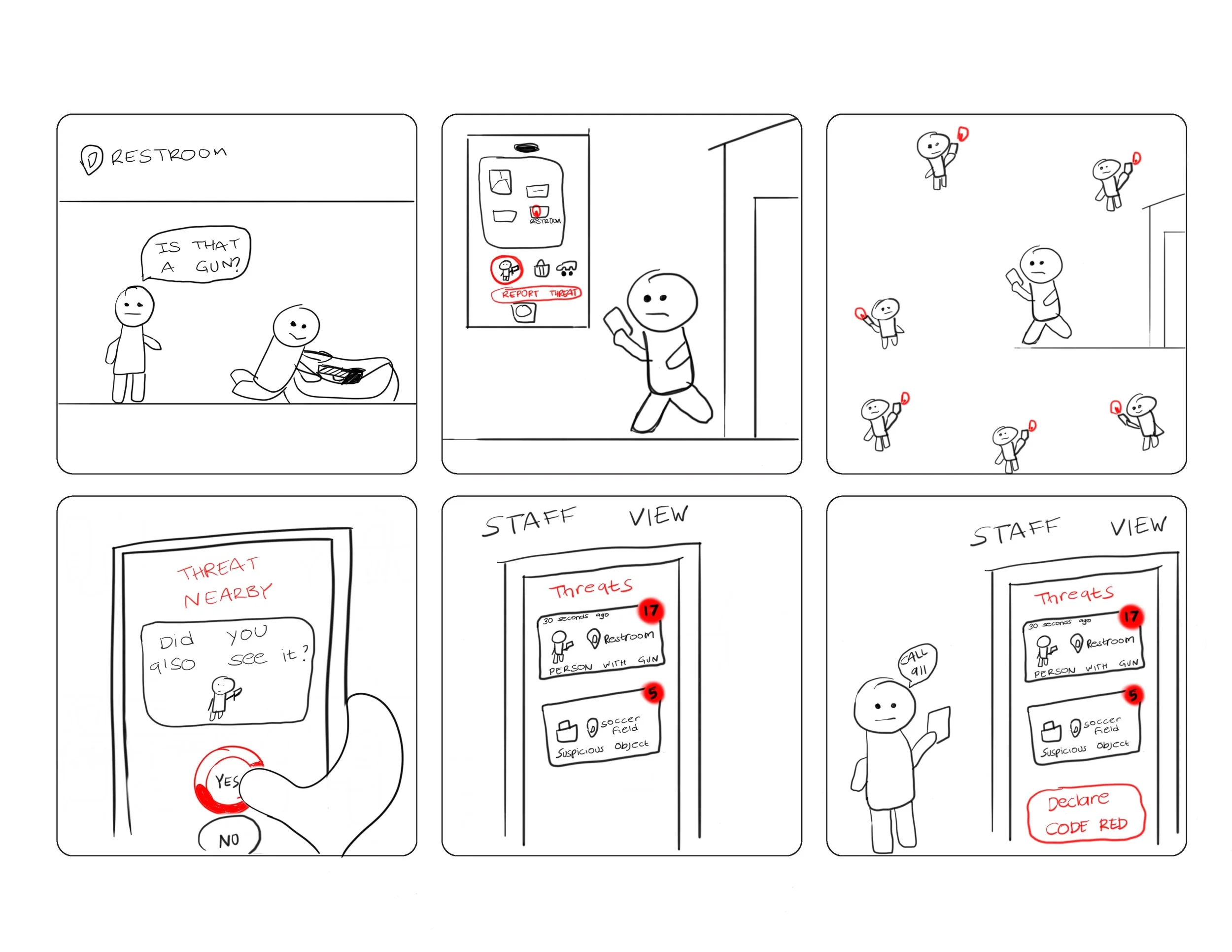
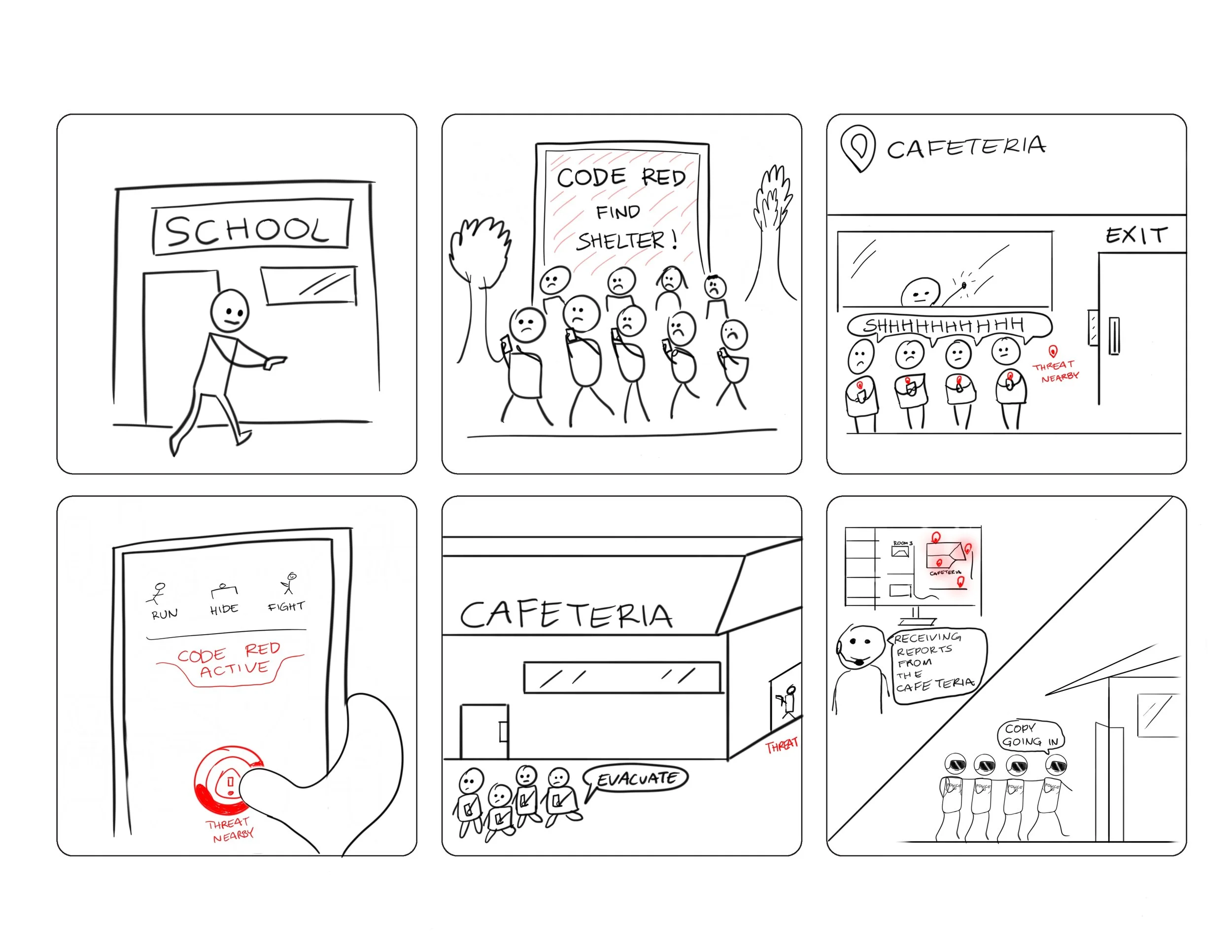
Stage 1: Moments before the gun fire incident starts
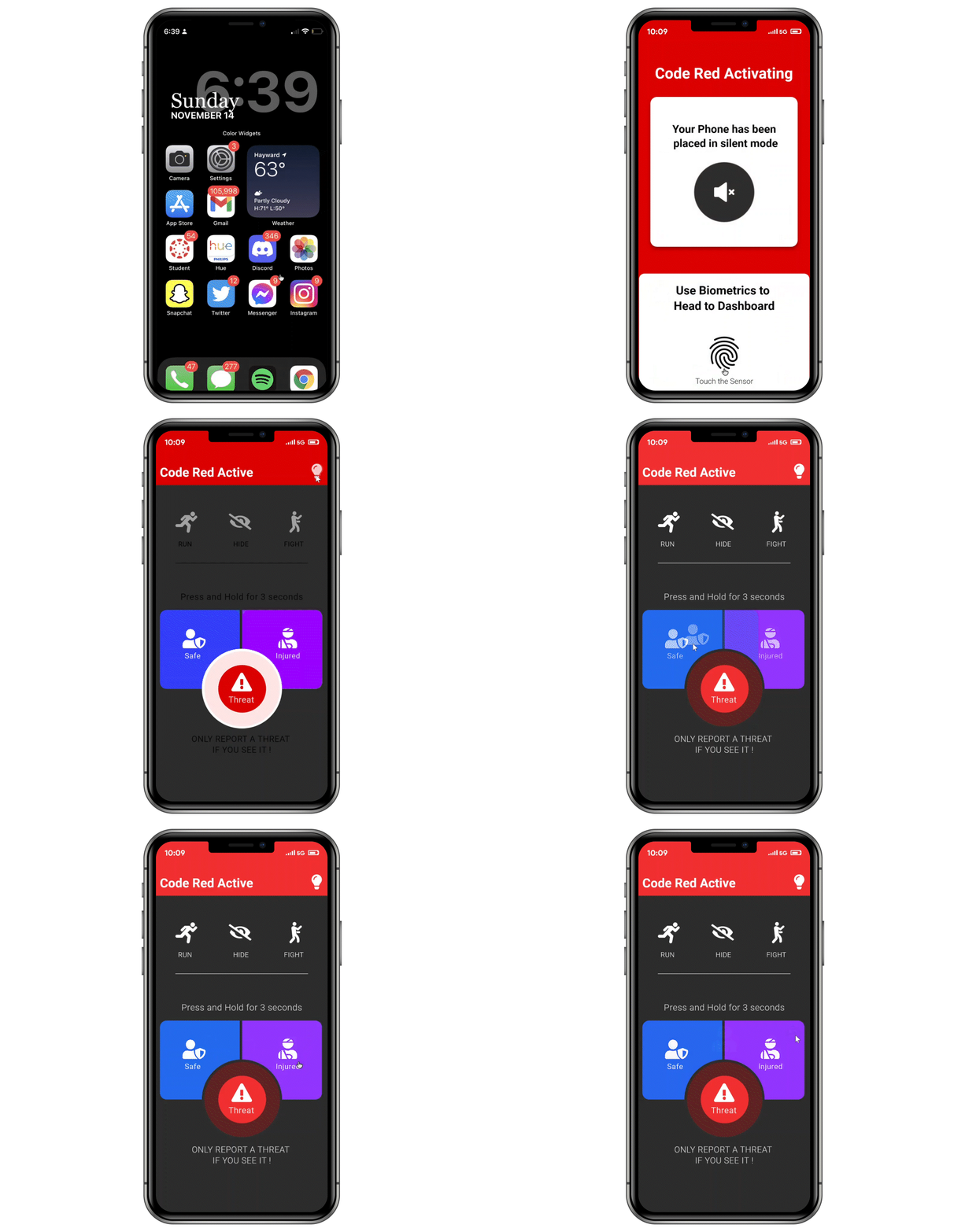
Stage 2: CODE RED (During the gunfire incident)
Flowmap
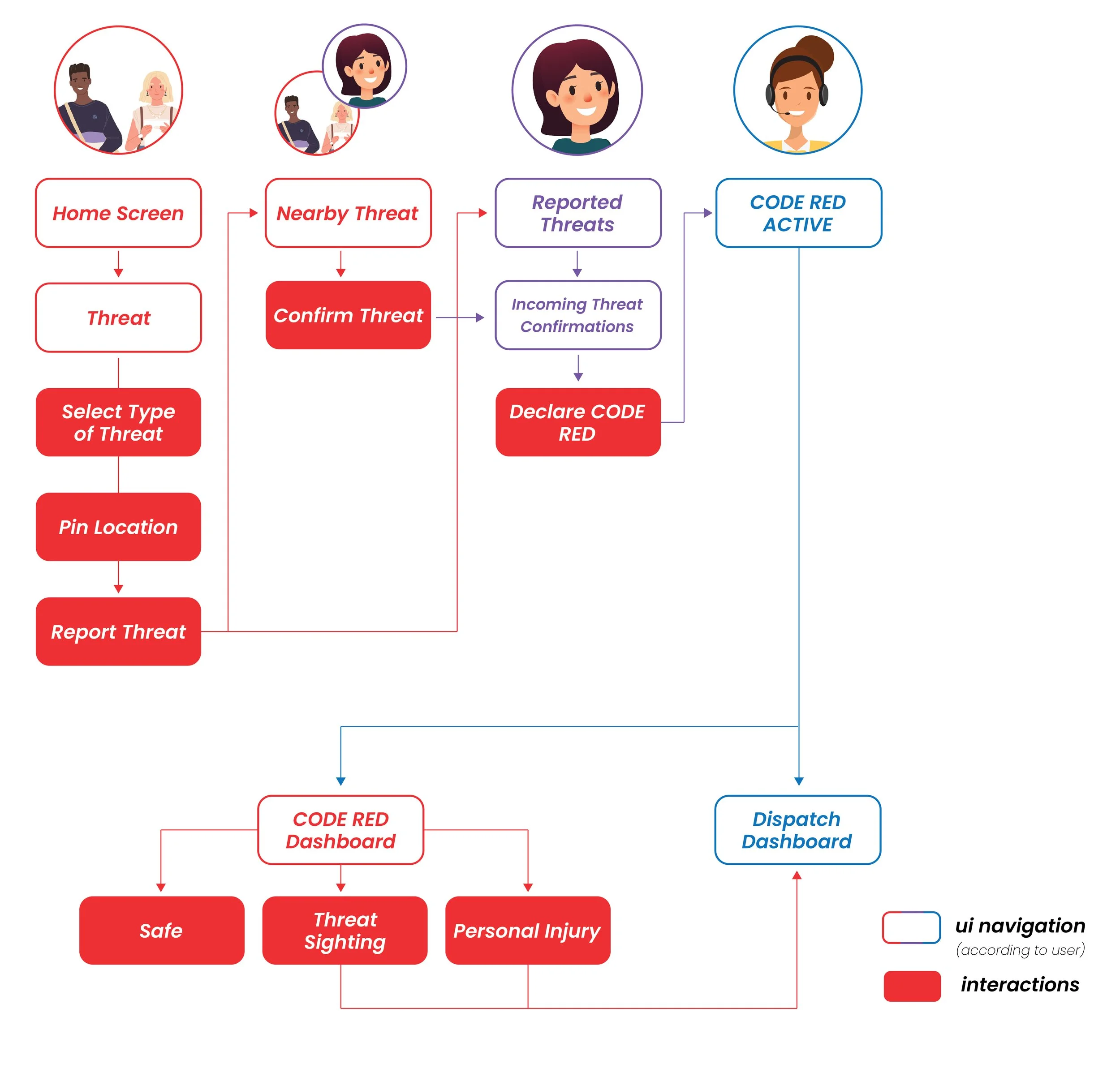
Functional Map
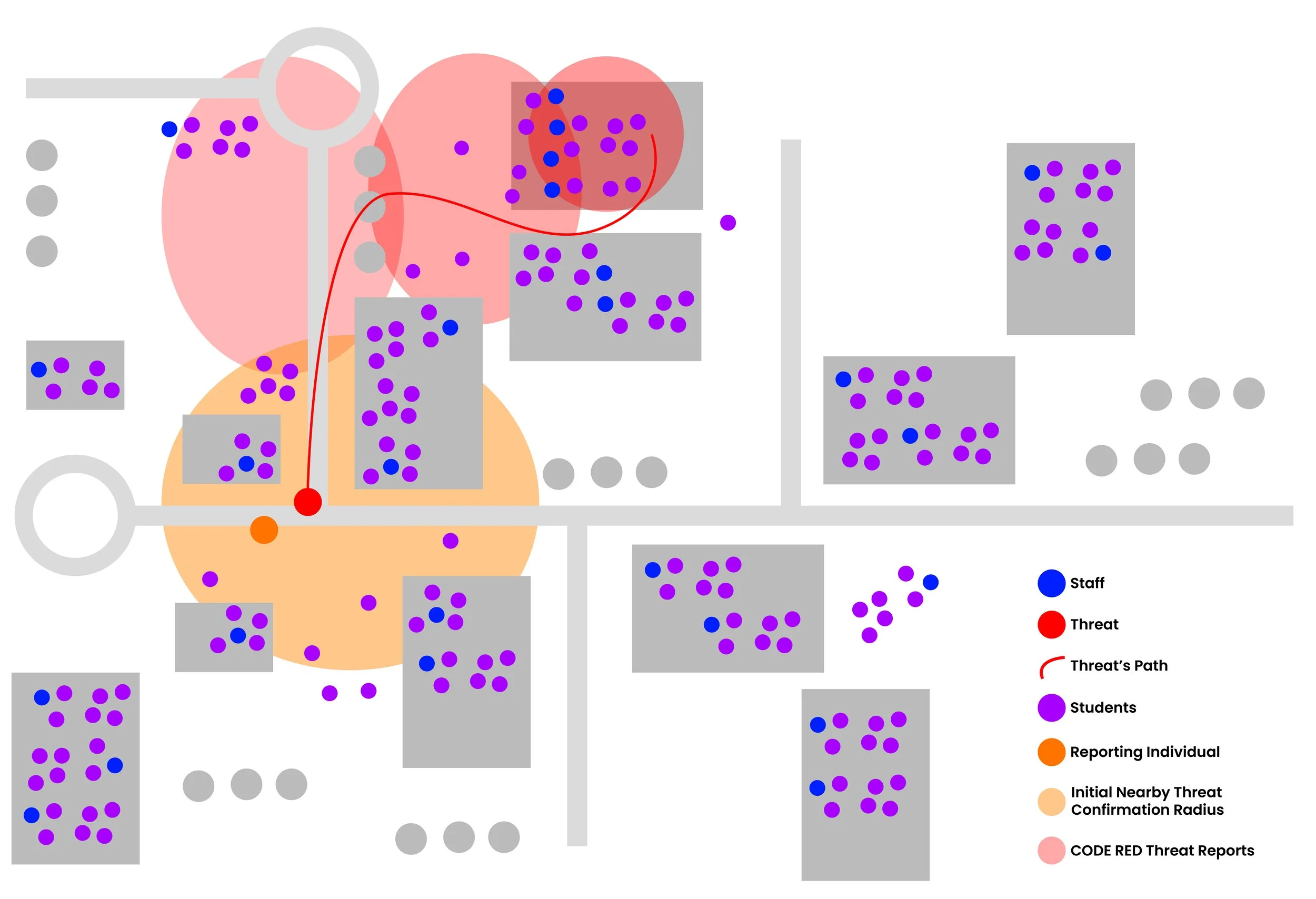
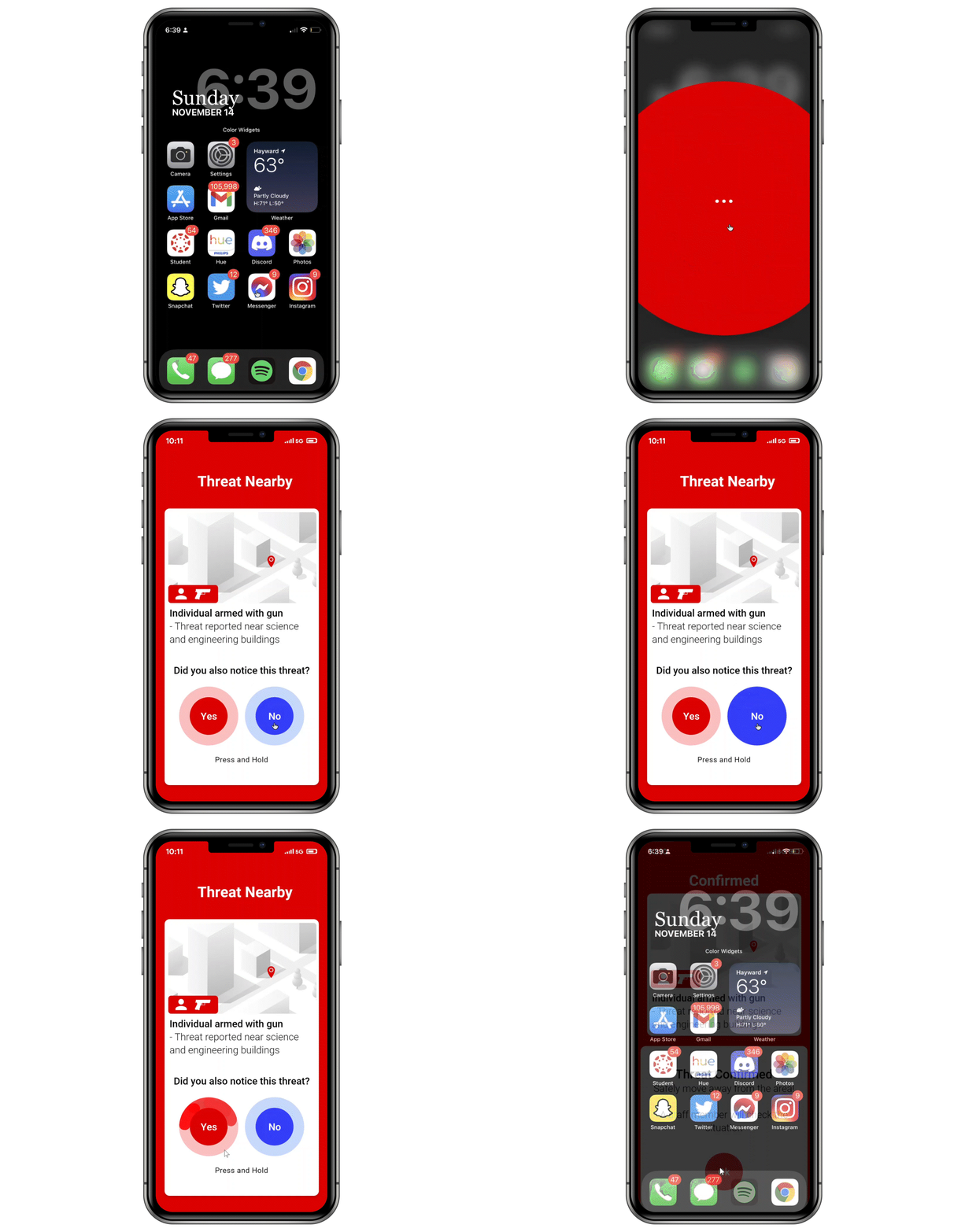
I made this map to better visualize how users will be notified by the active threat and at what stage will a CODE RED be declared.
Initial Mockups
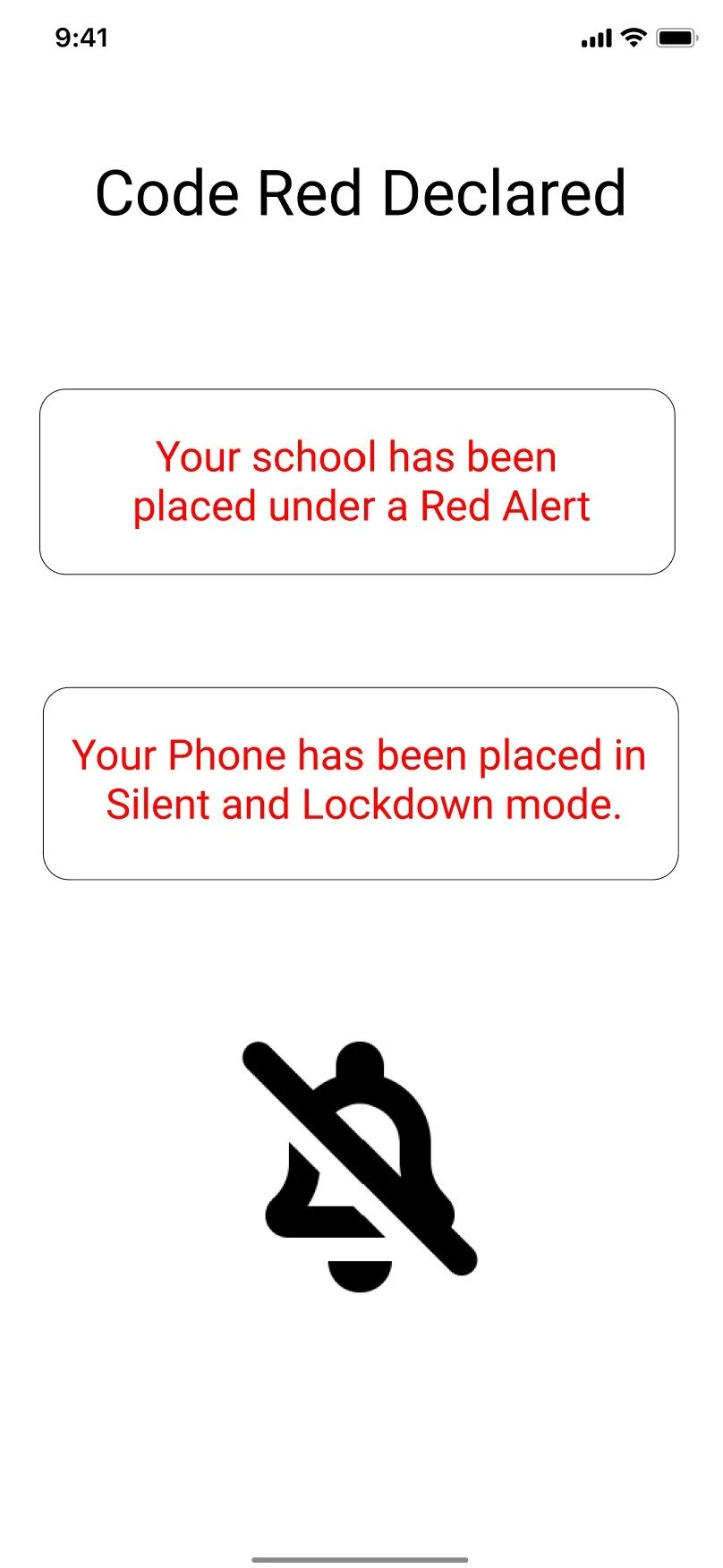
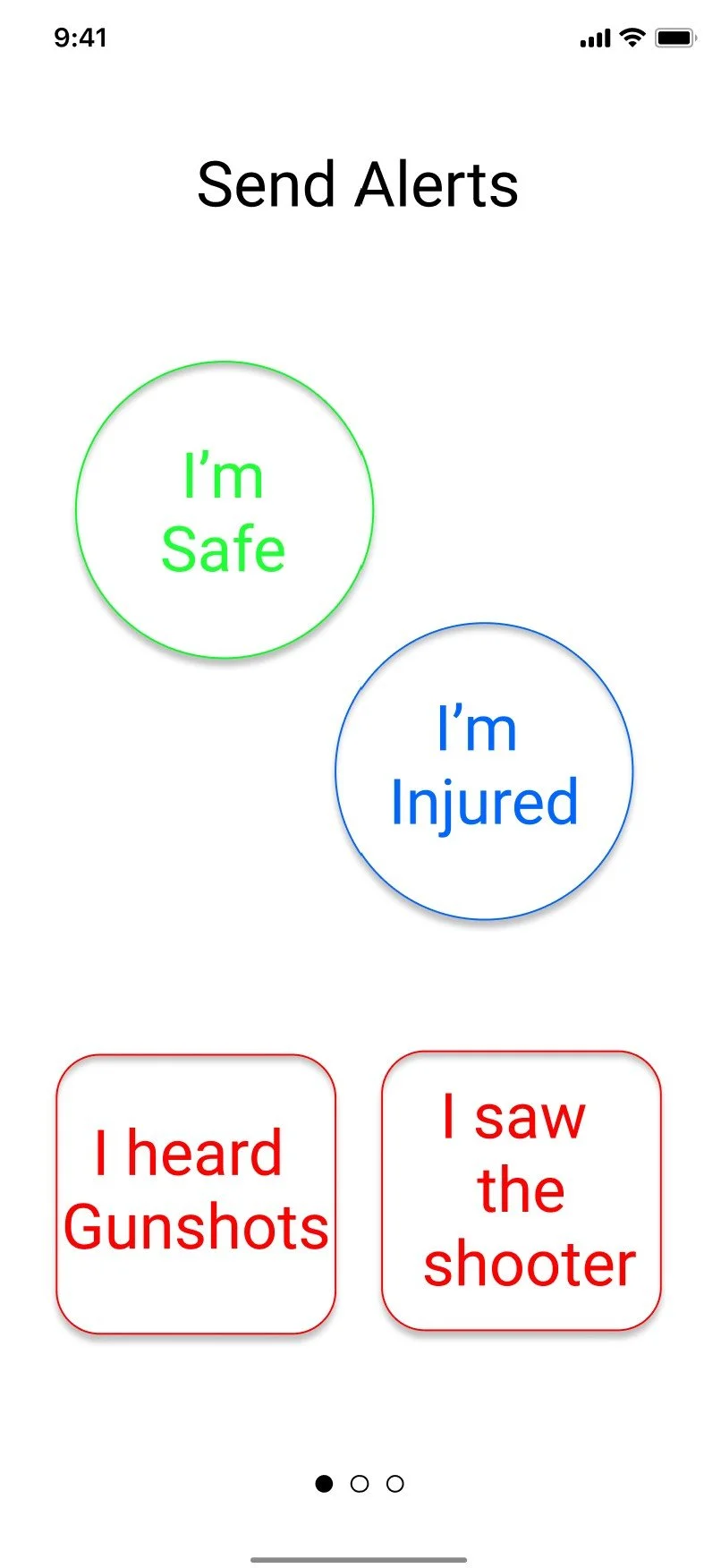
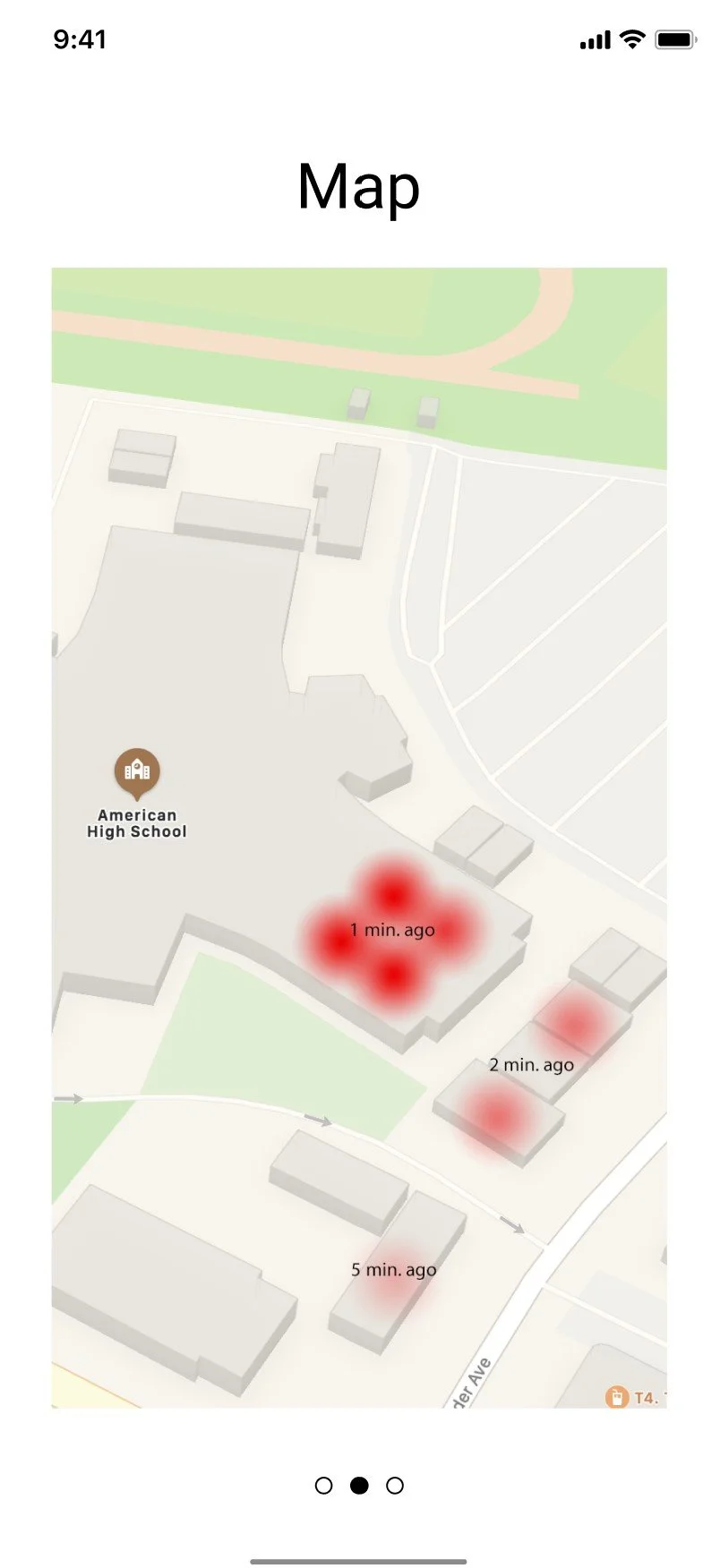
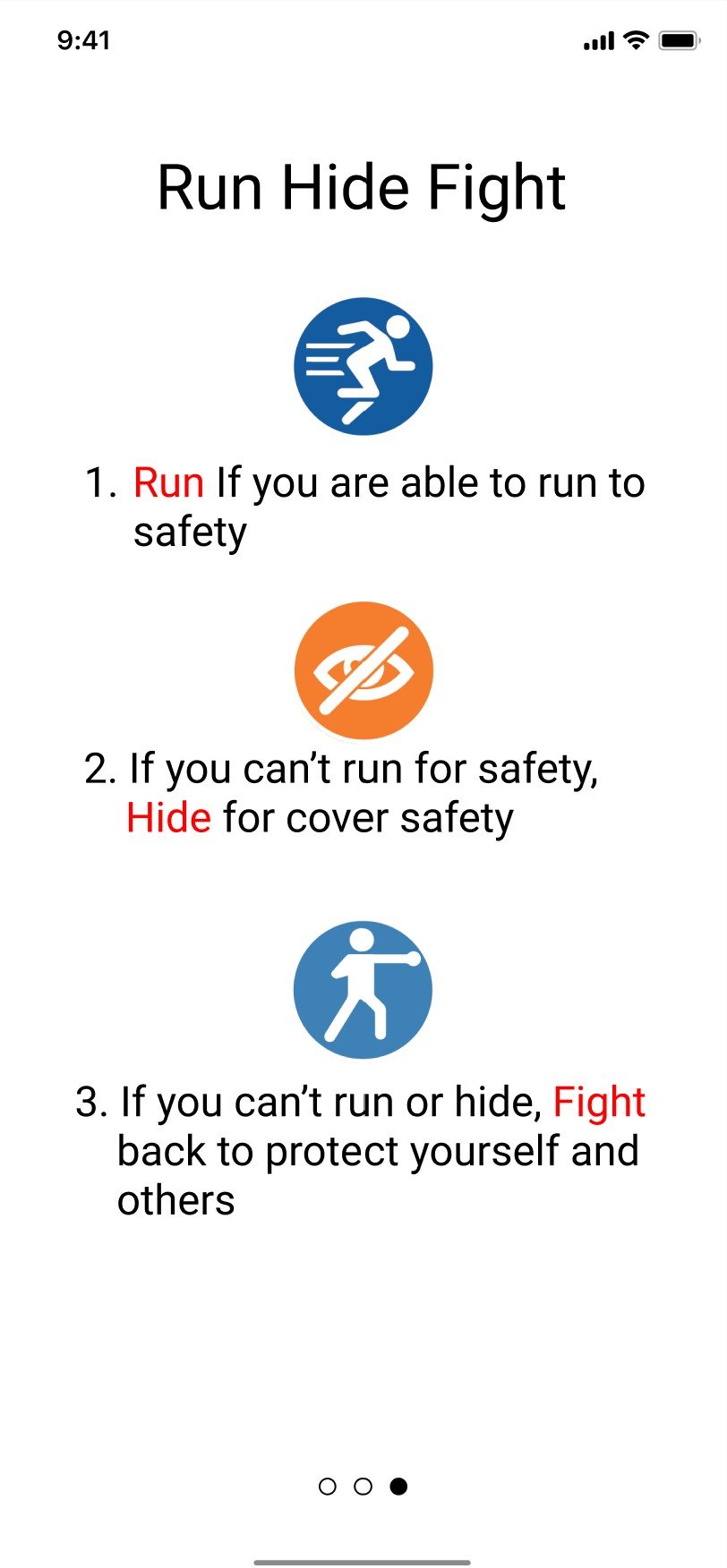

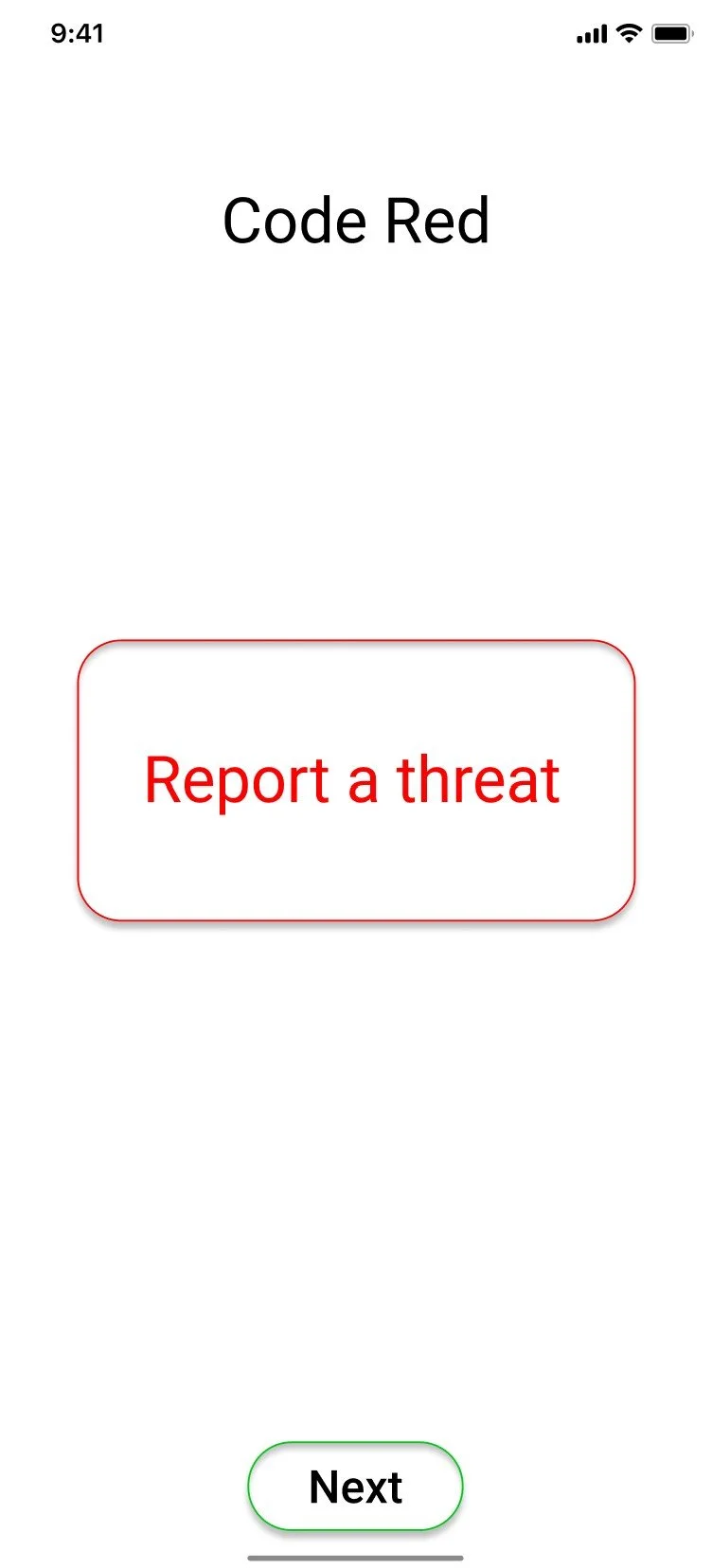
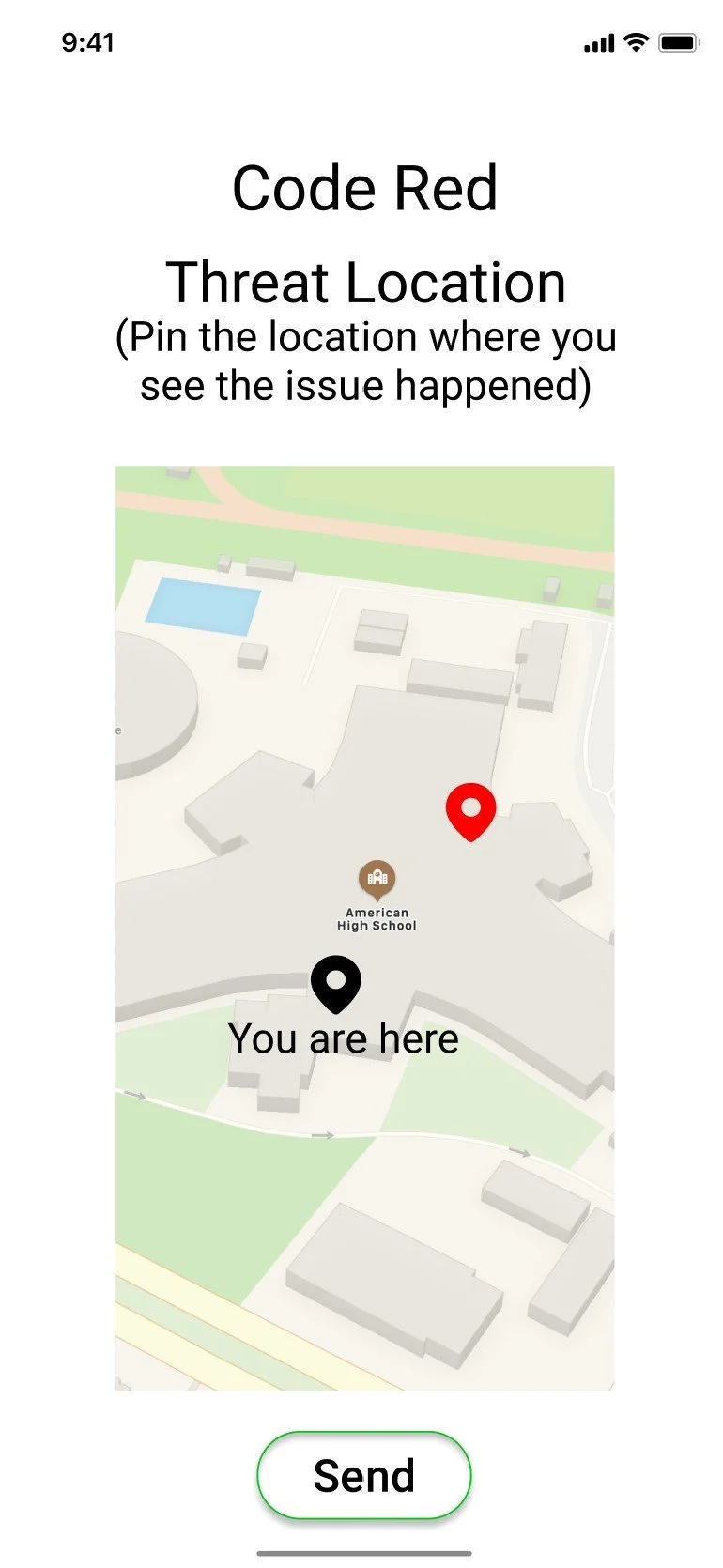
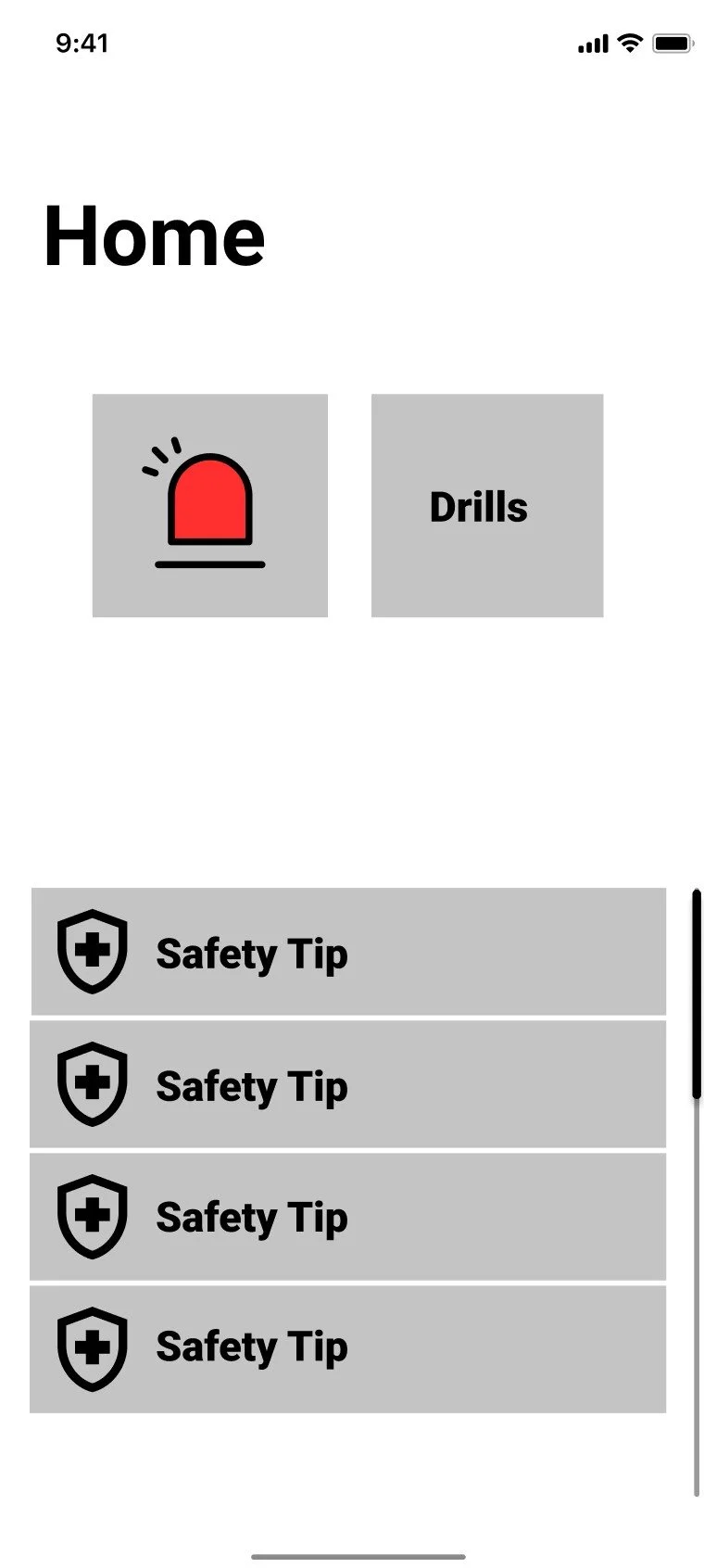
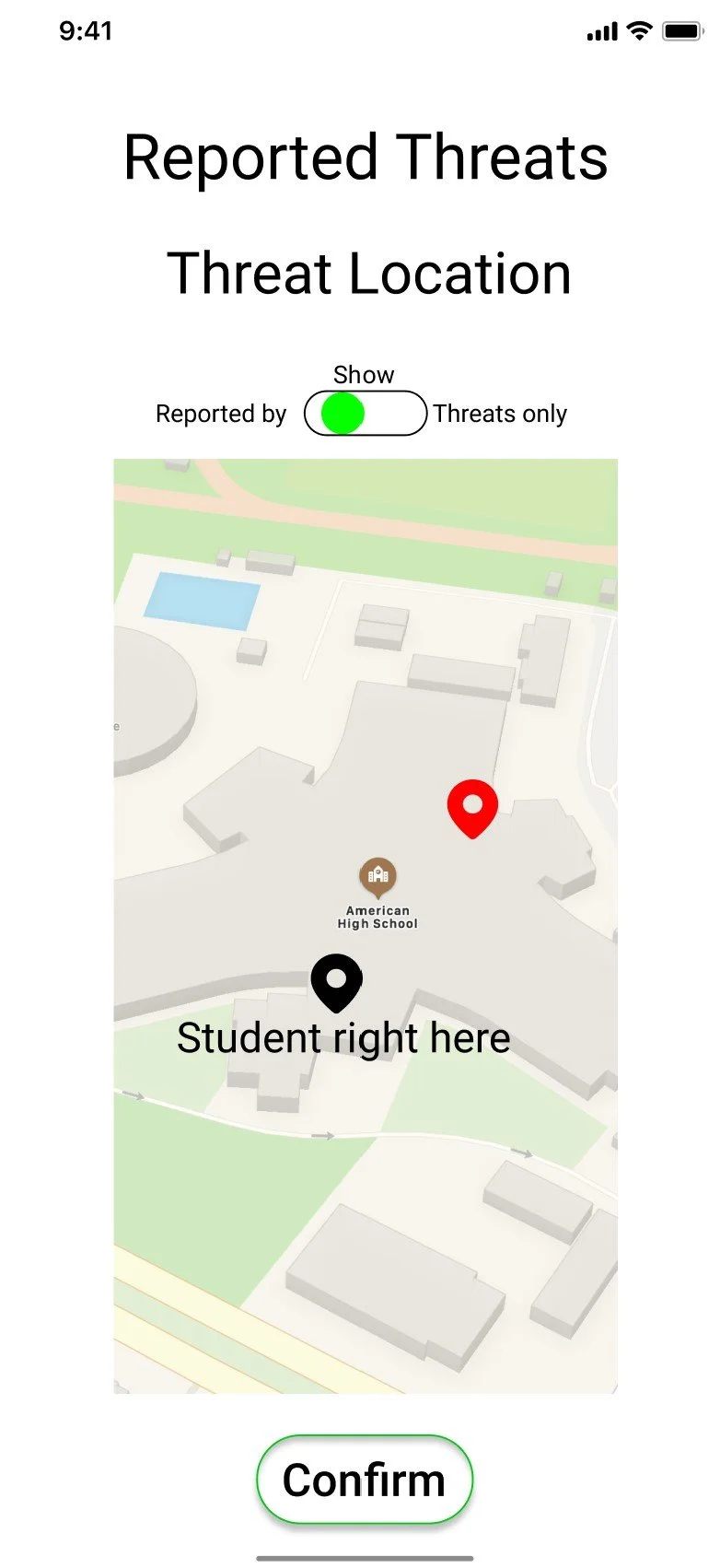
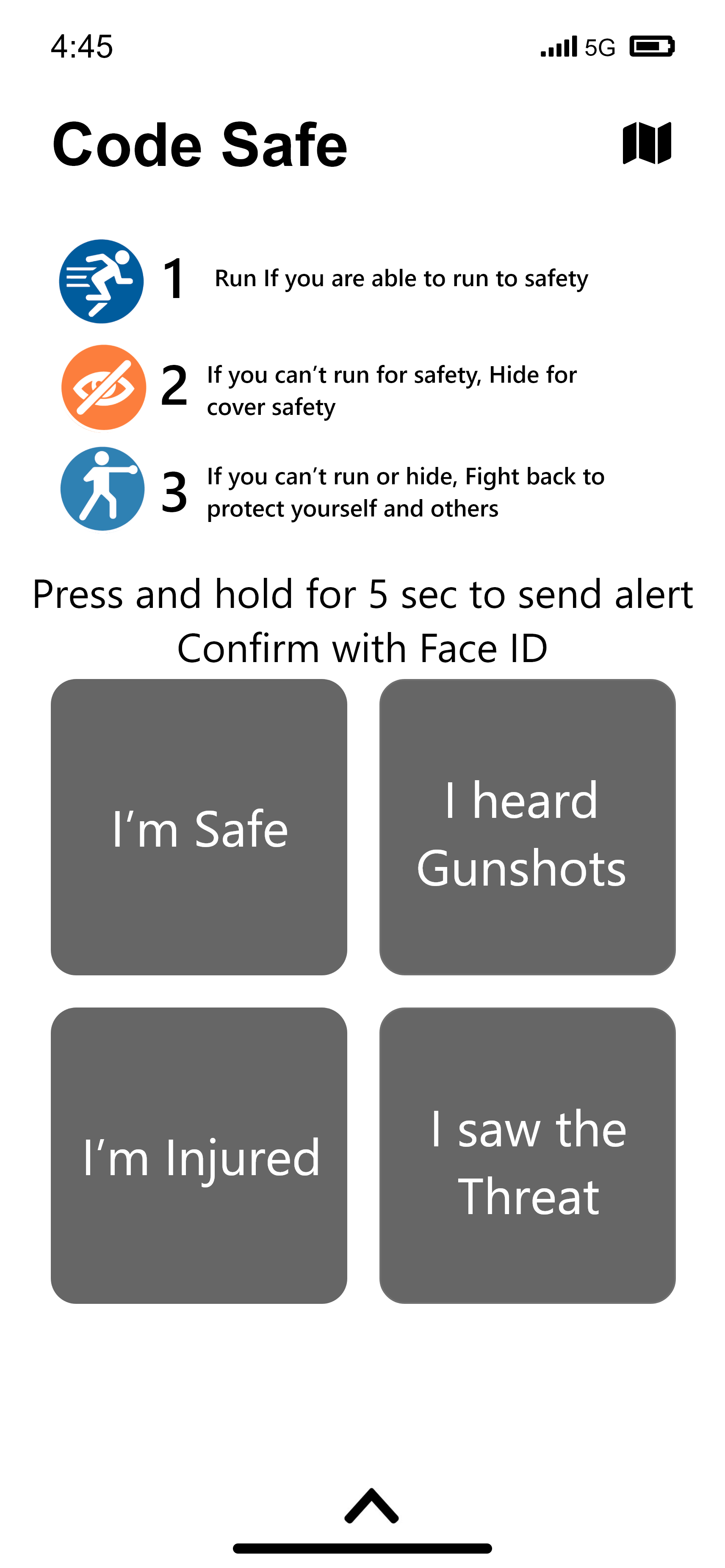
The most critical screens were worked on first in order to figure out the fastest way students and staff could navigate in order to report a threat before and after an active threat scenario.
Second Round of Mockups
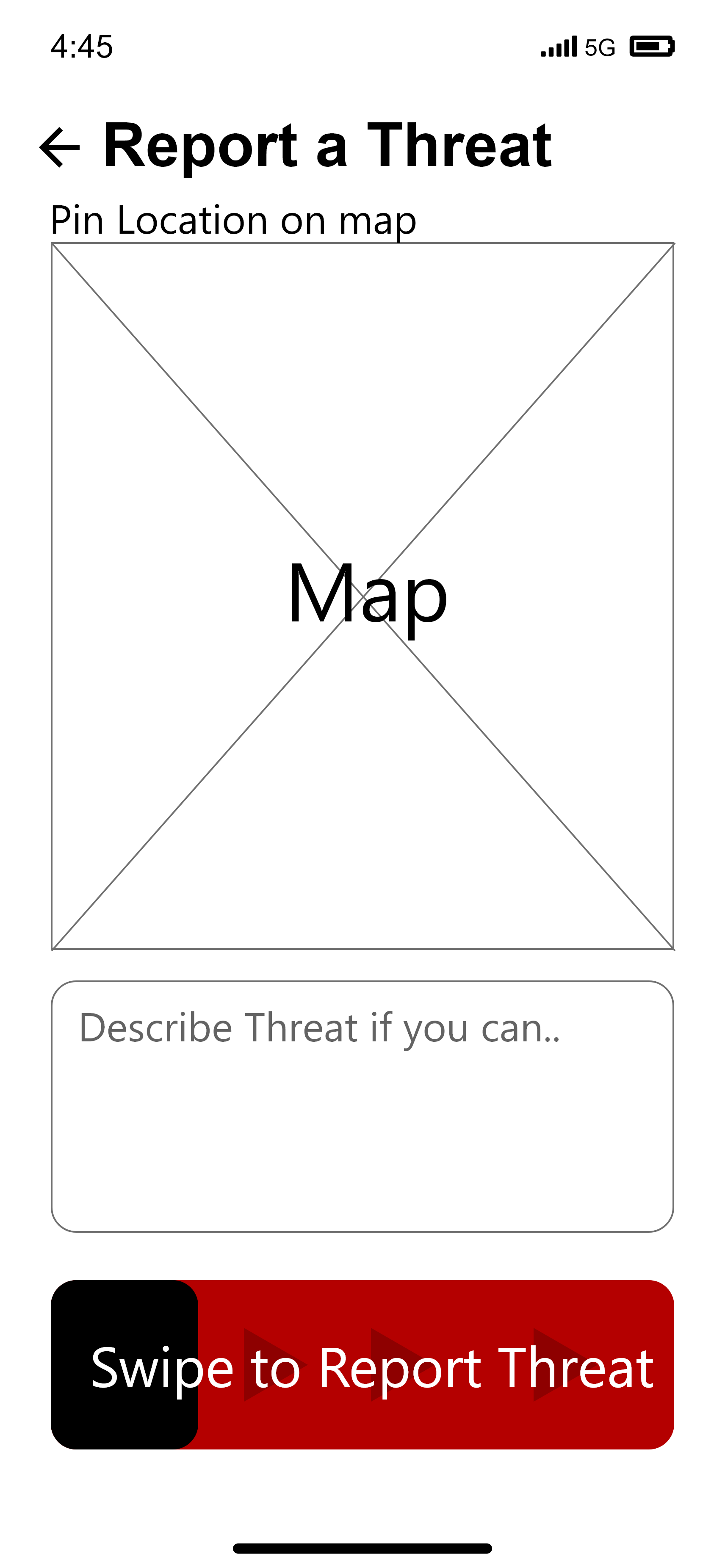
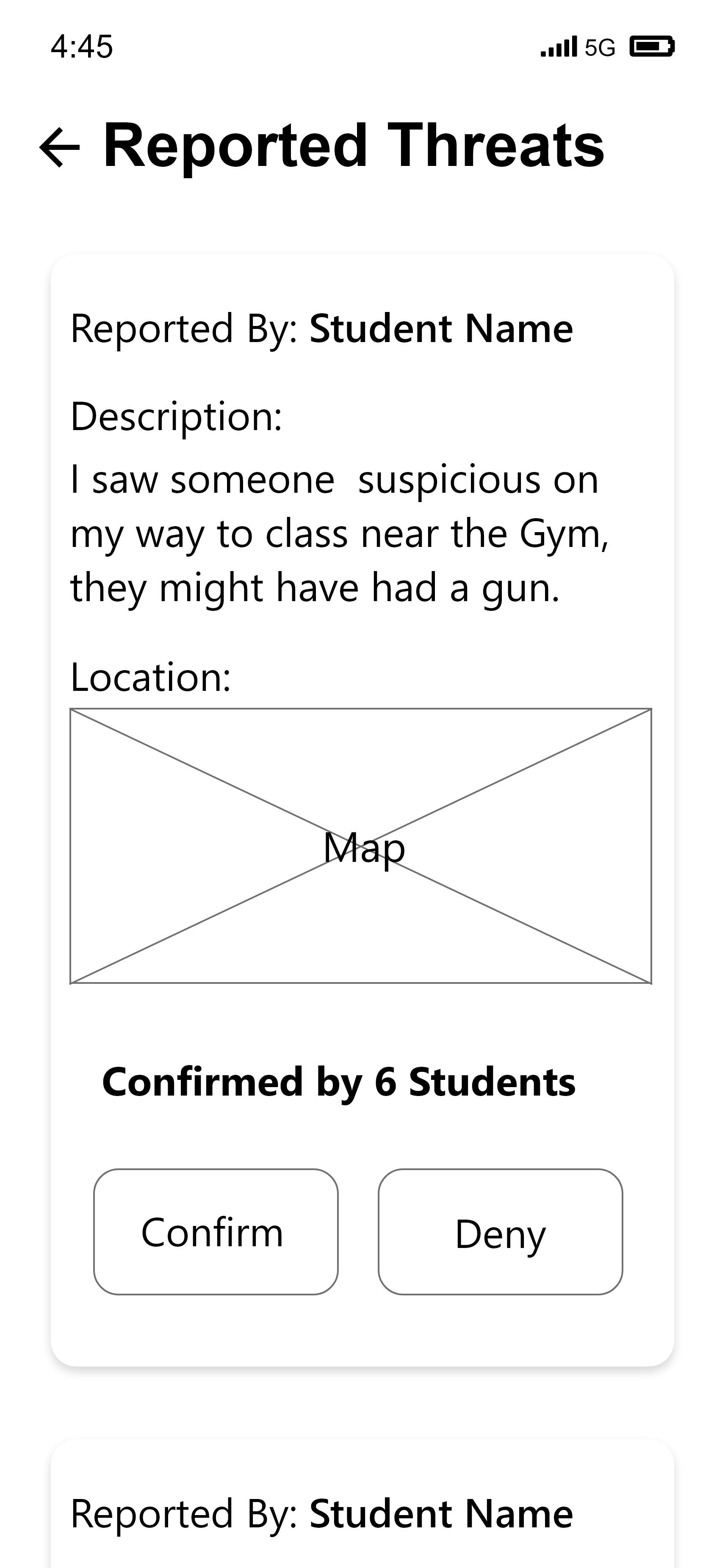
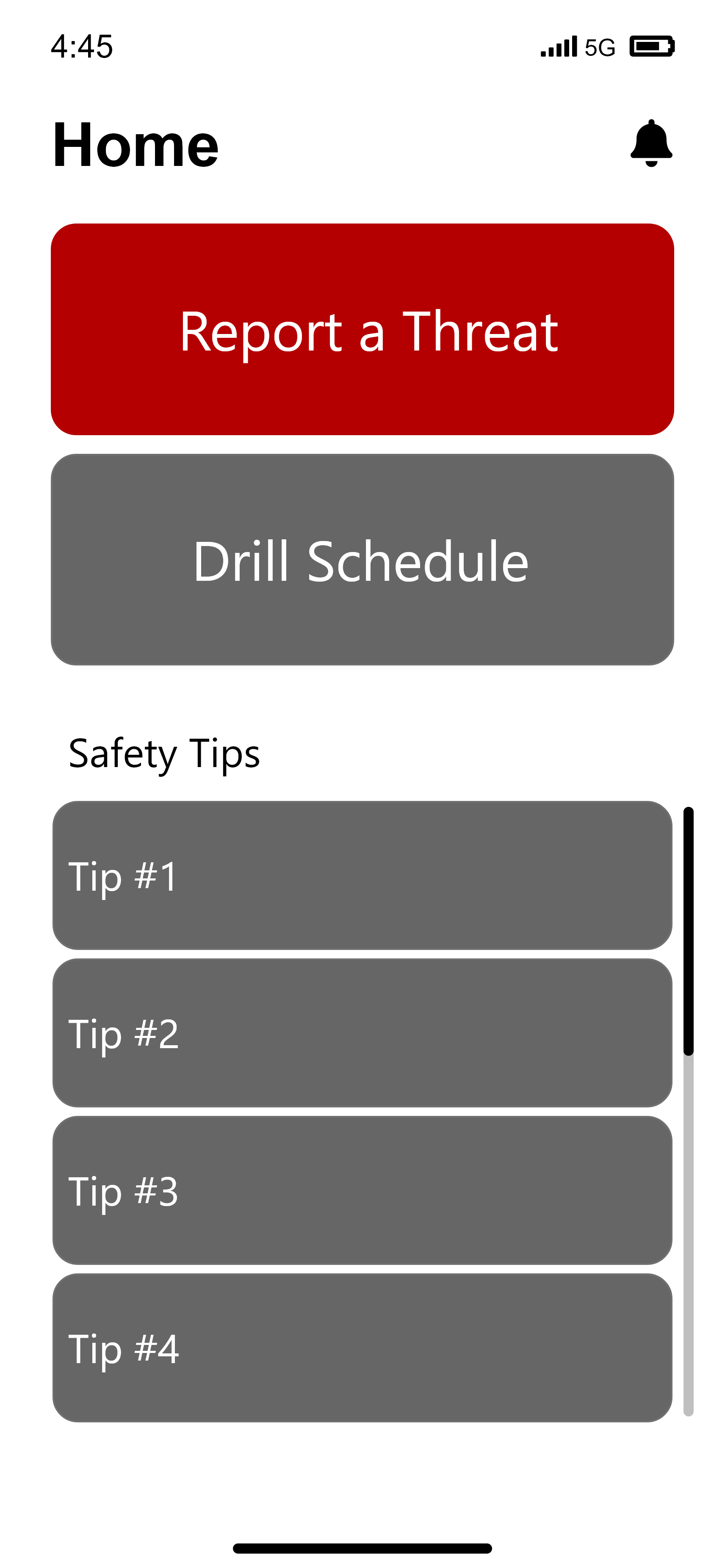
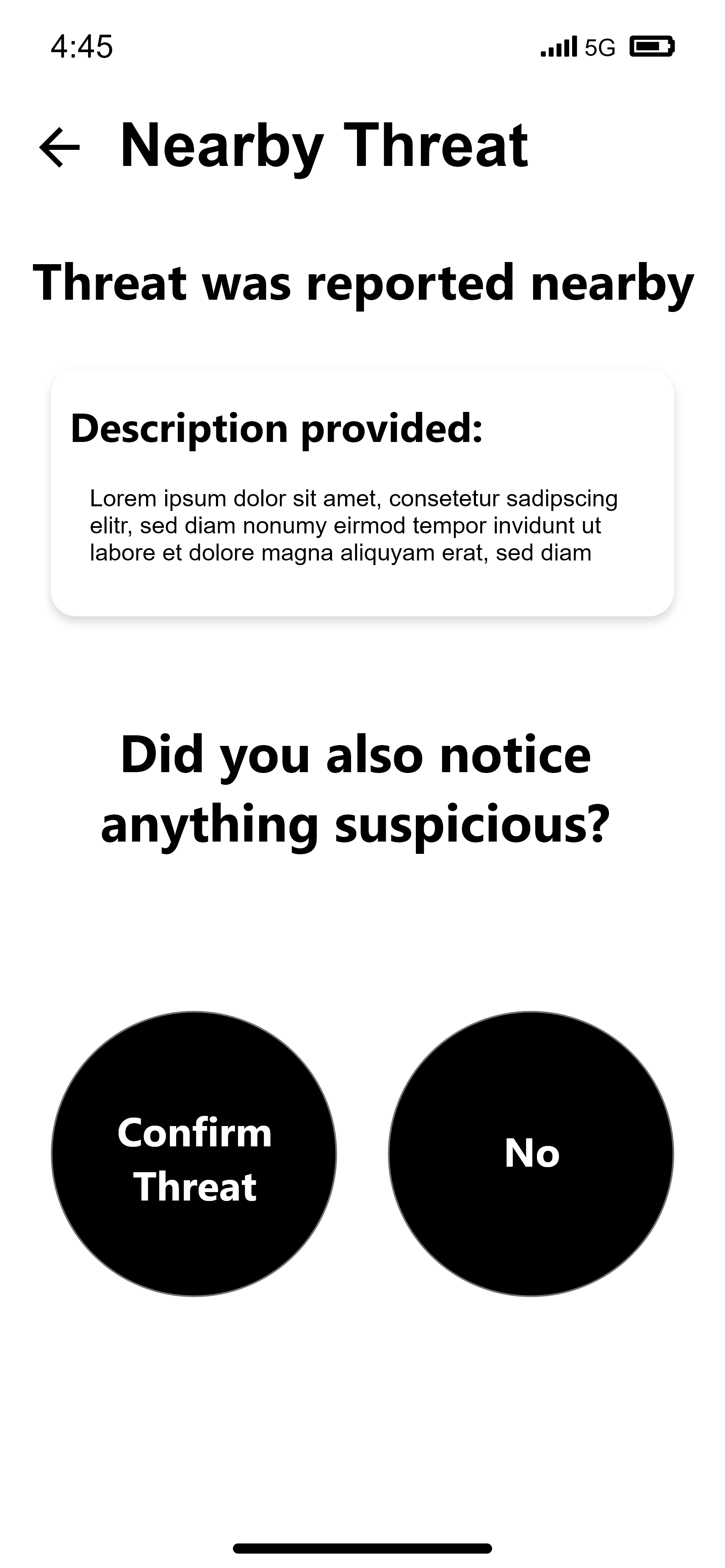
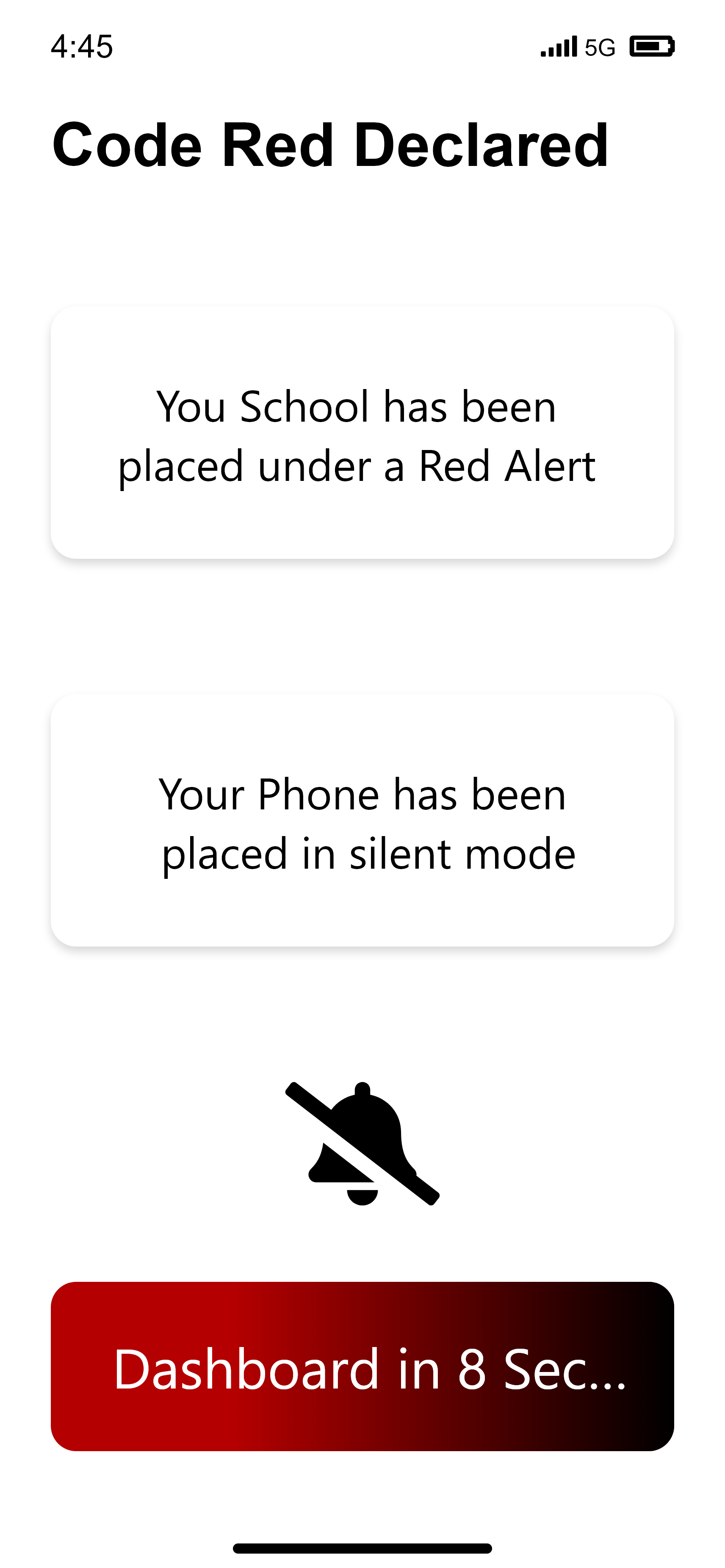
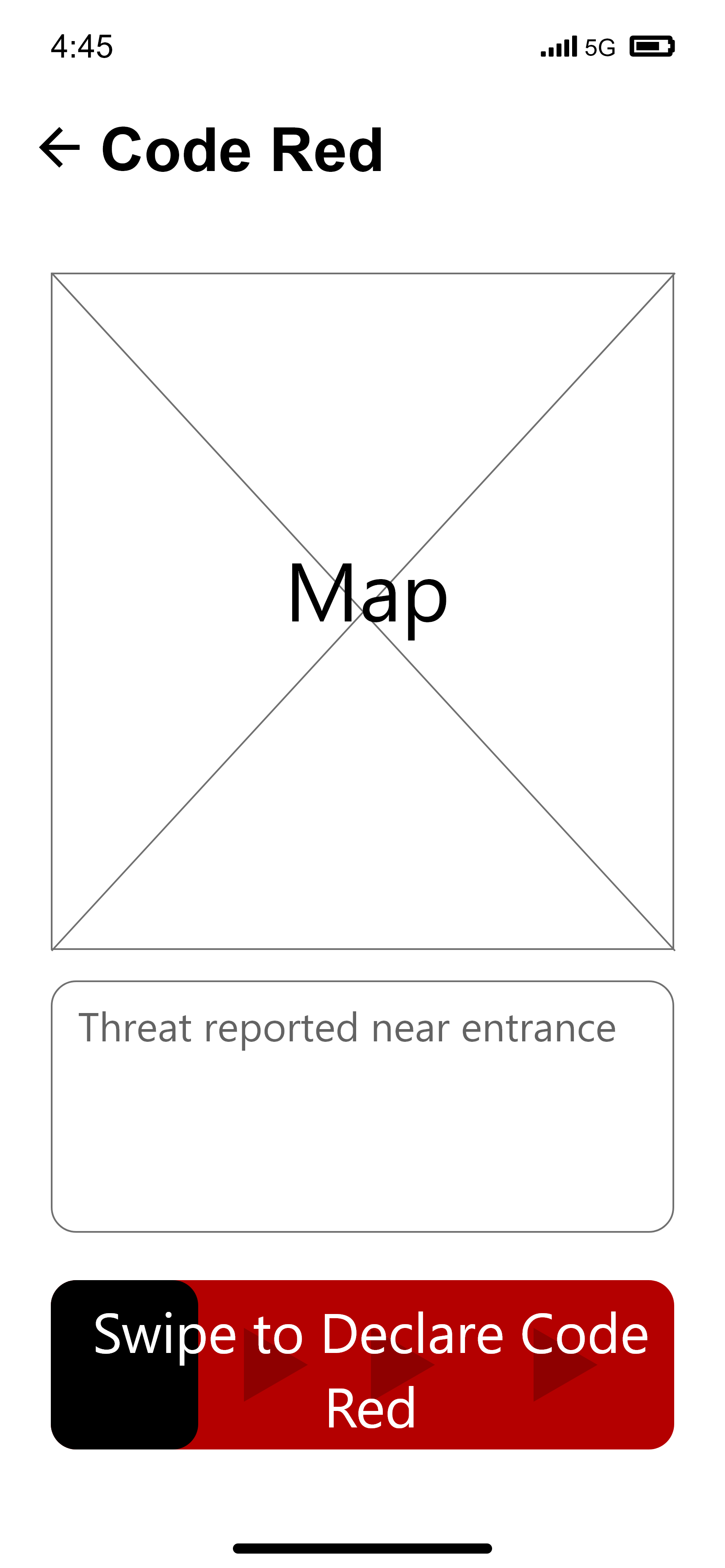
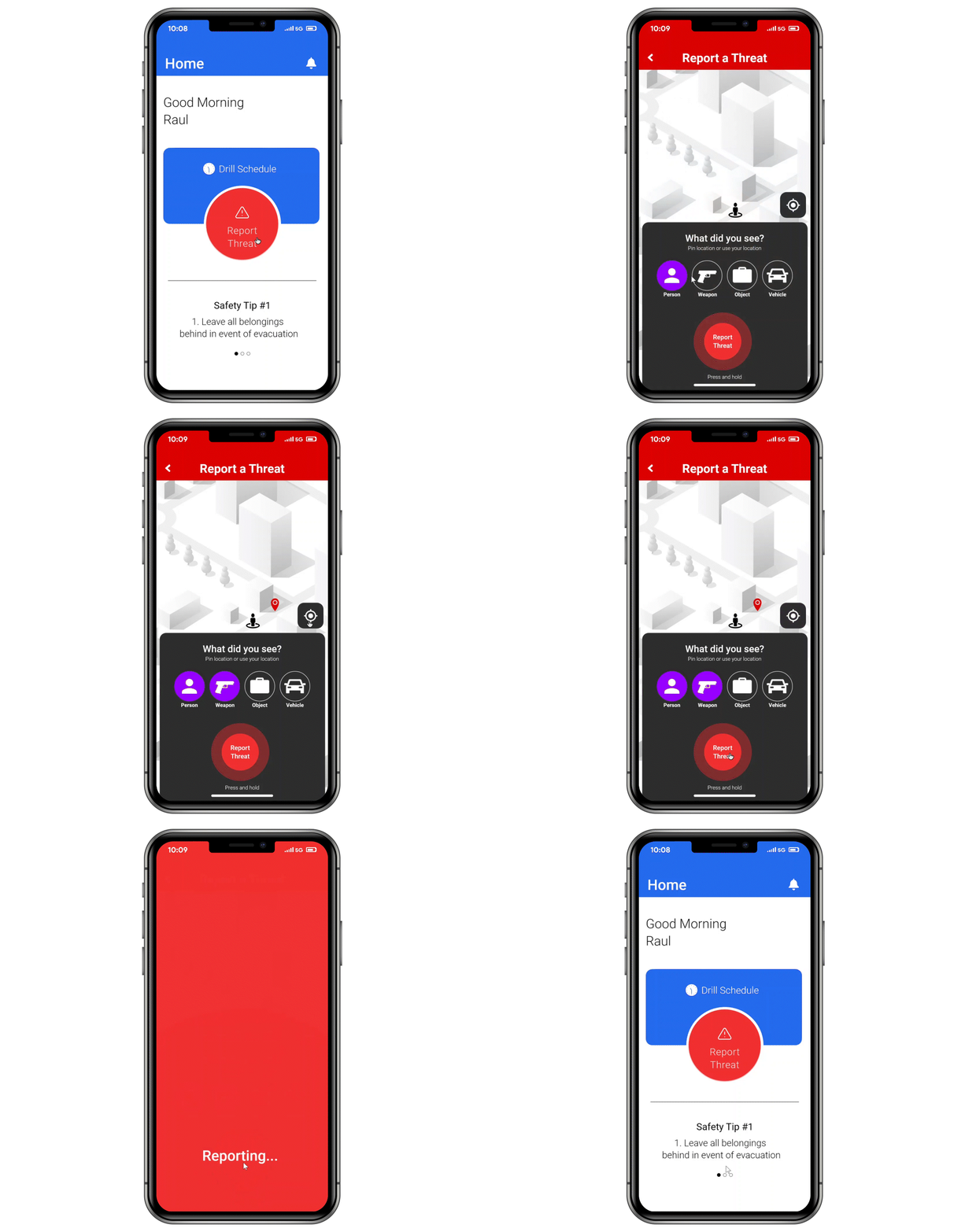
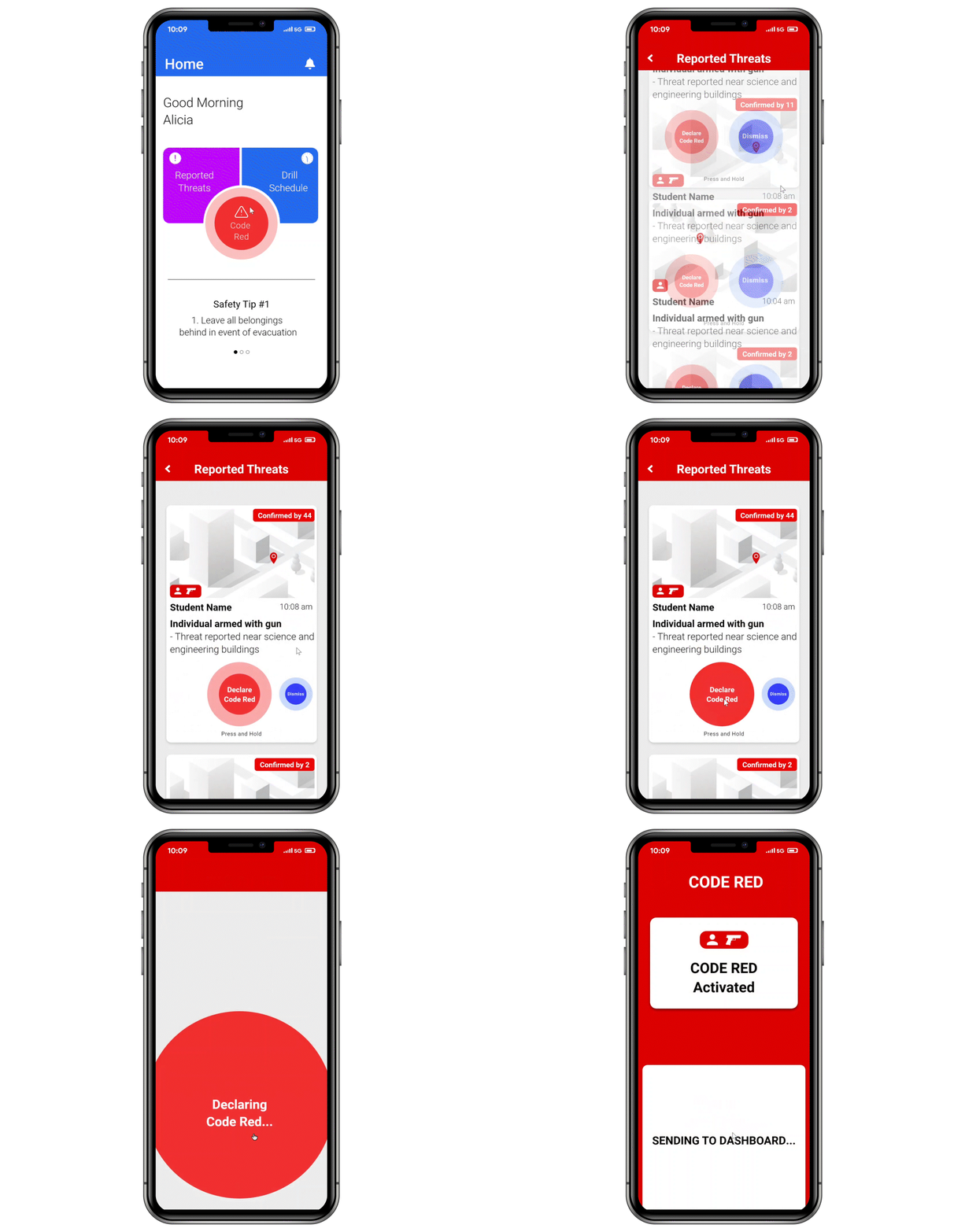
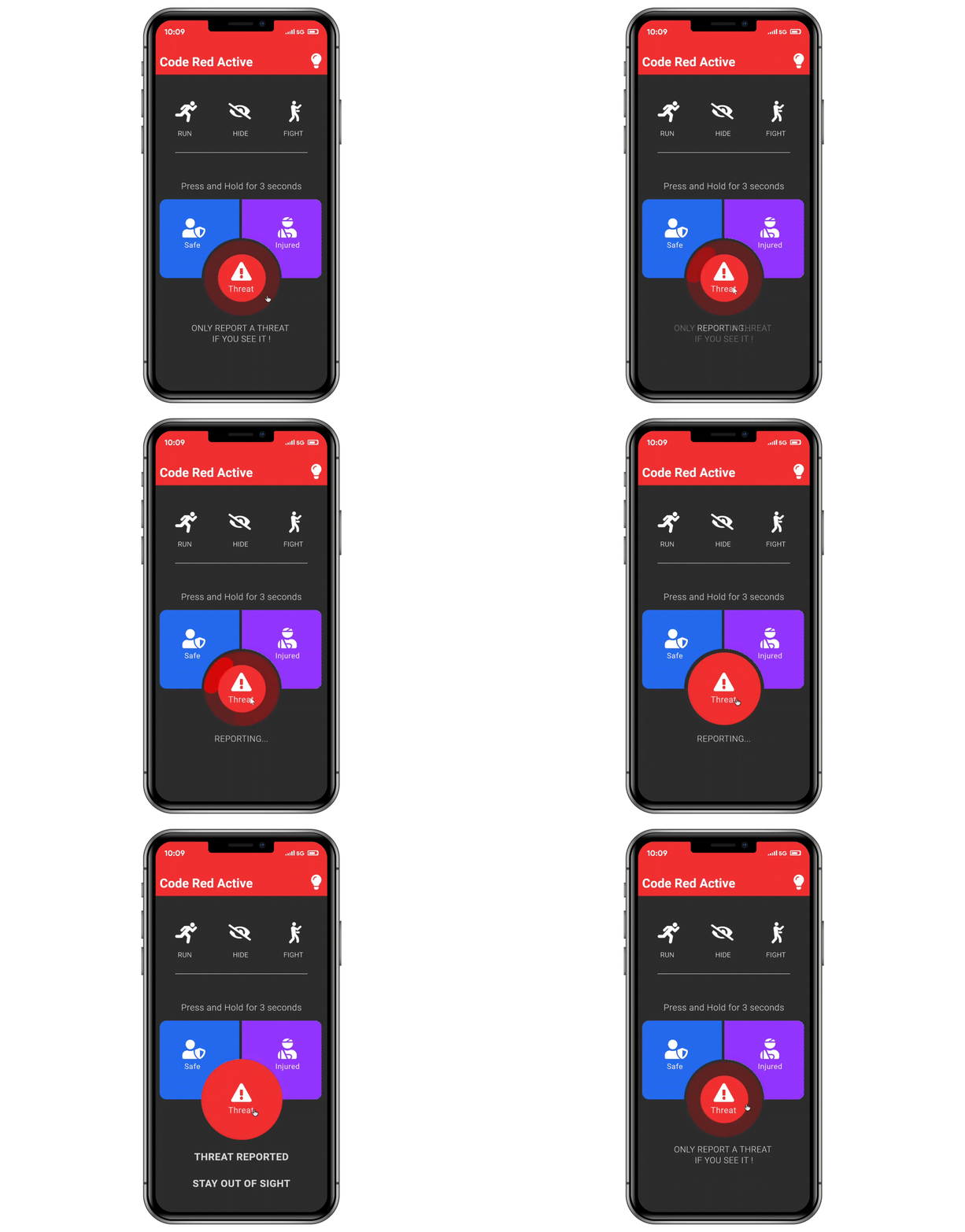
During this stage, interactions with each screen were taken into account. Since this is going to be used in a high-distress environment and each action is critical, each action has to be intentional so a swiping button was explored.
User Interface Design
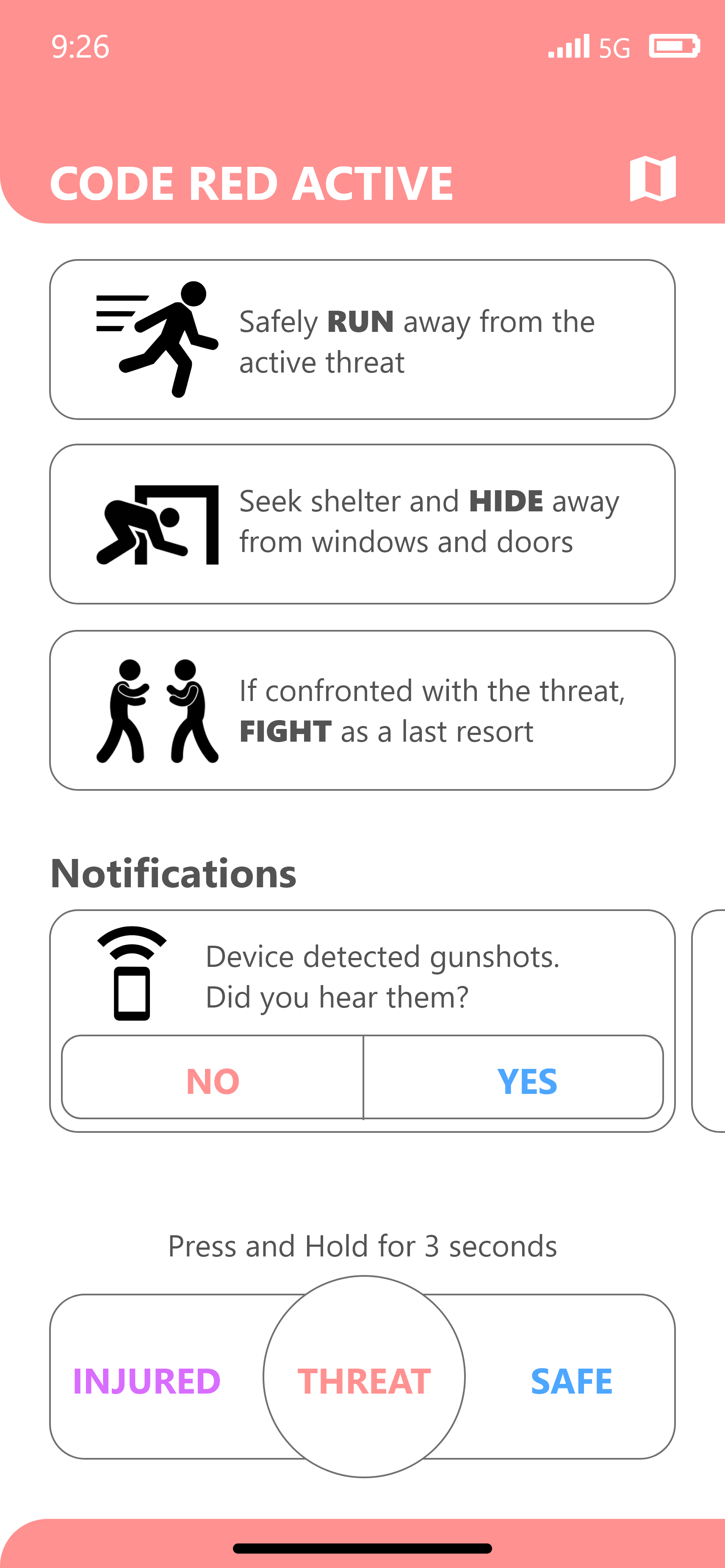
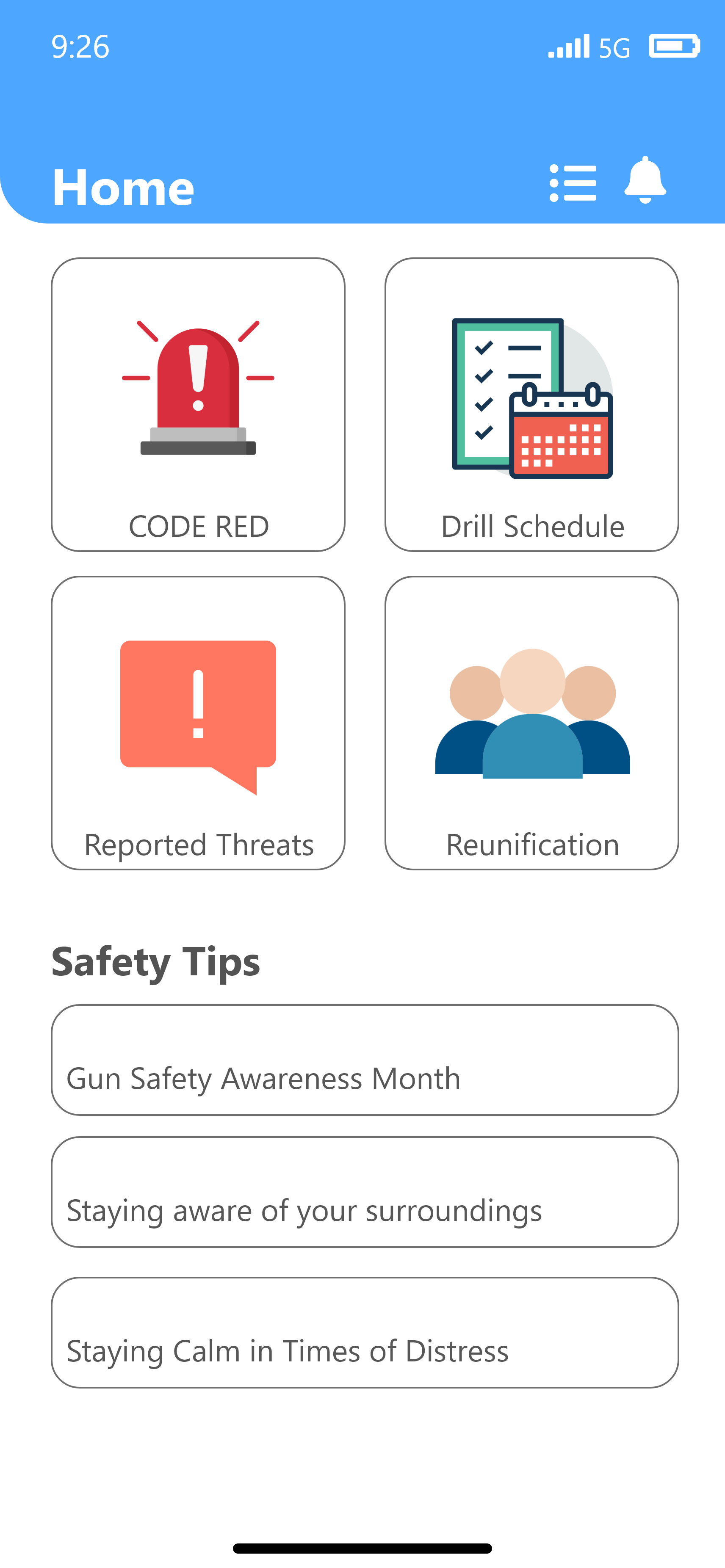
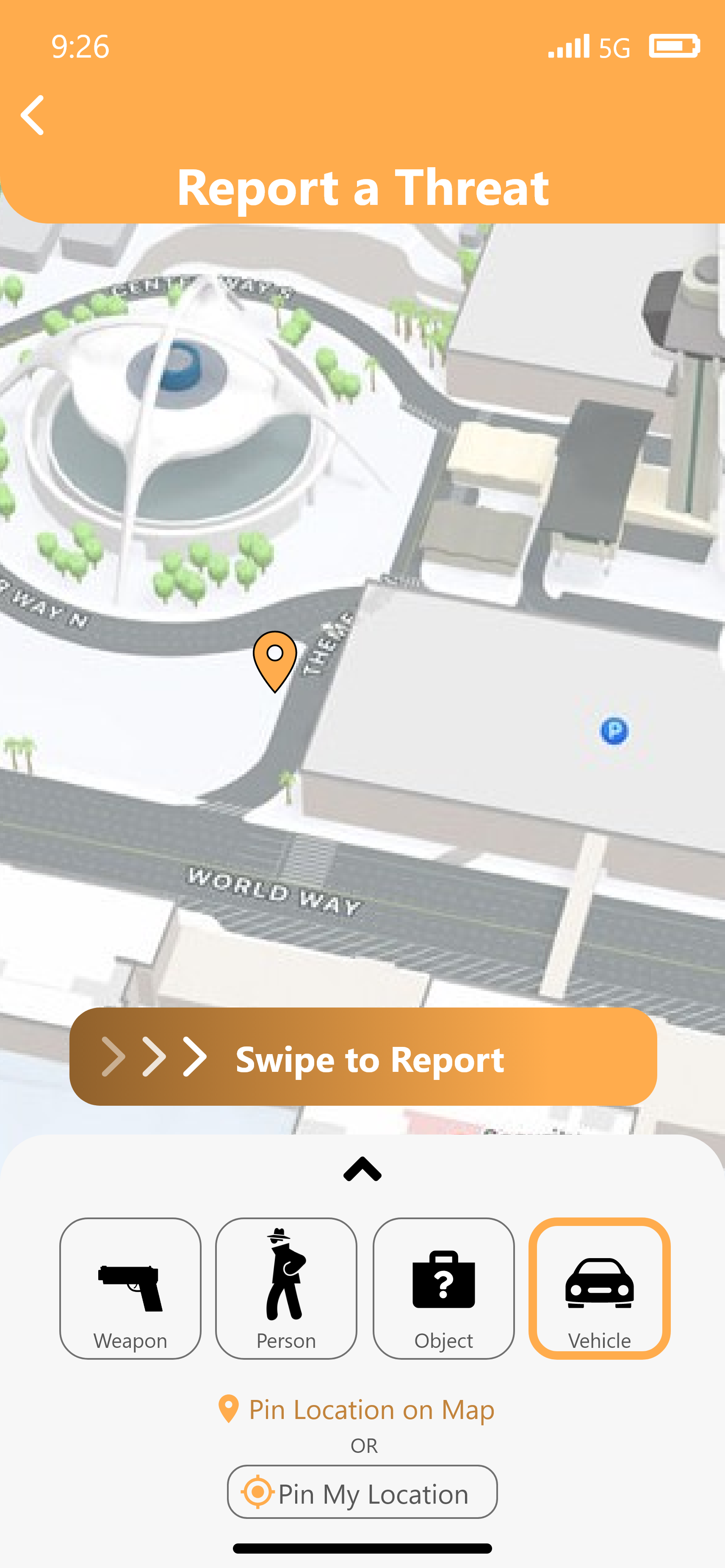
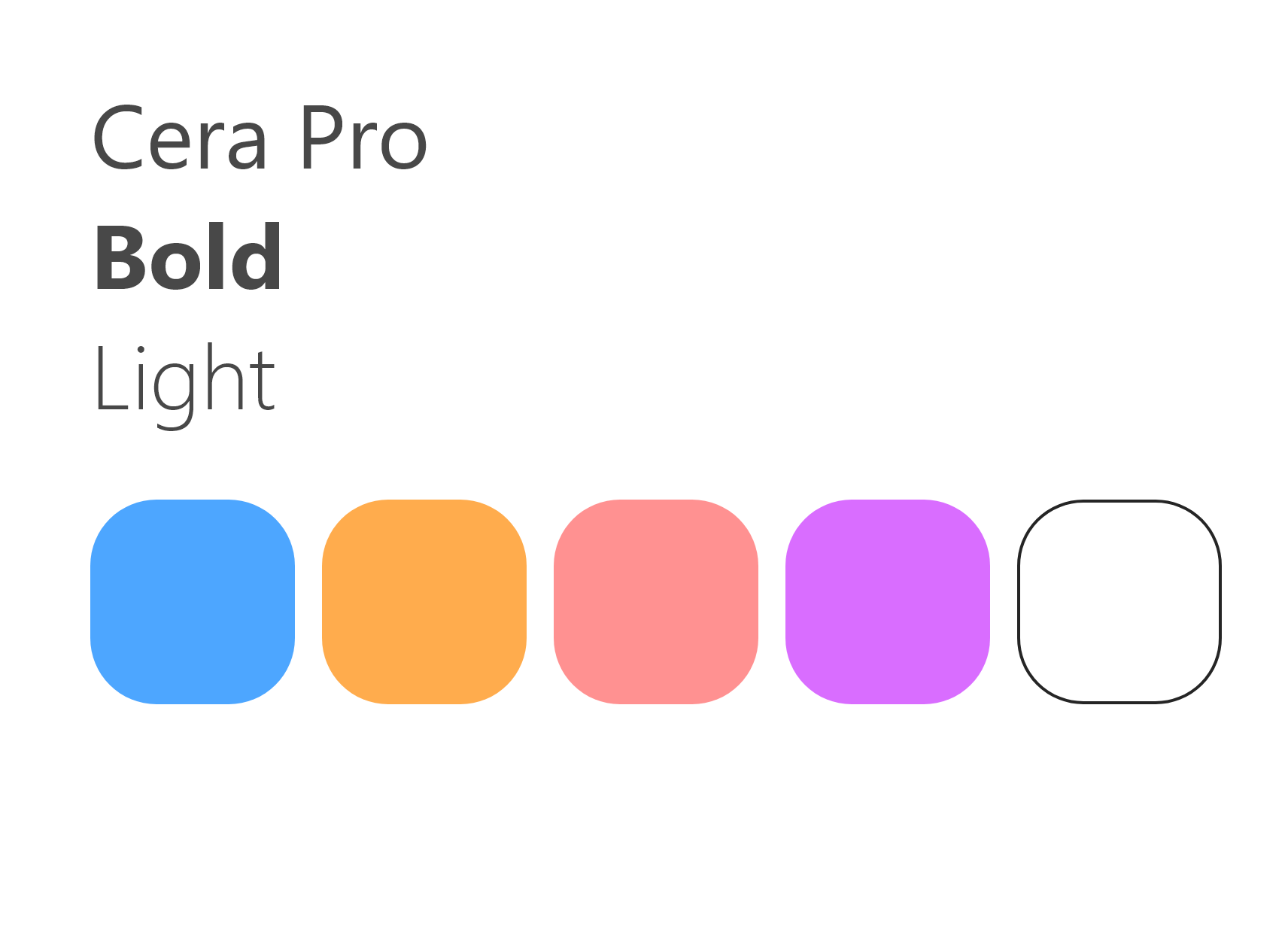
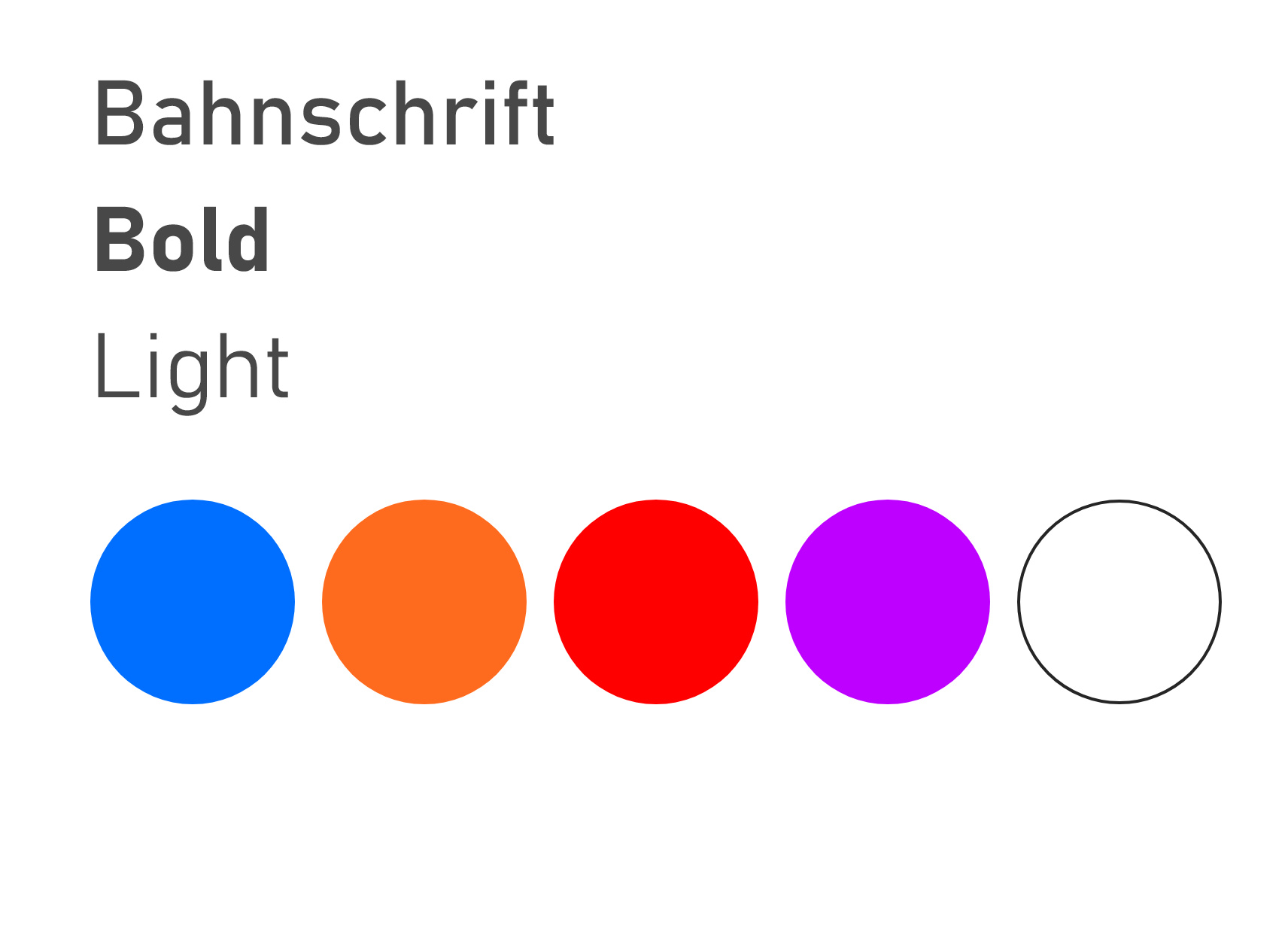
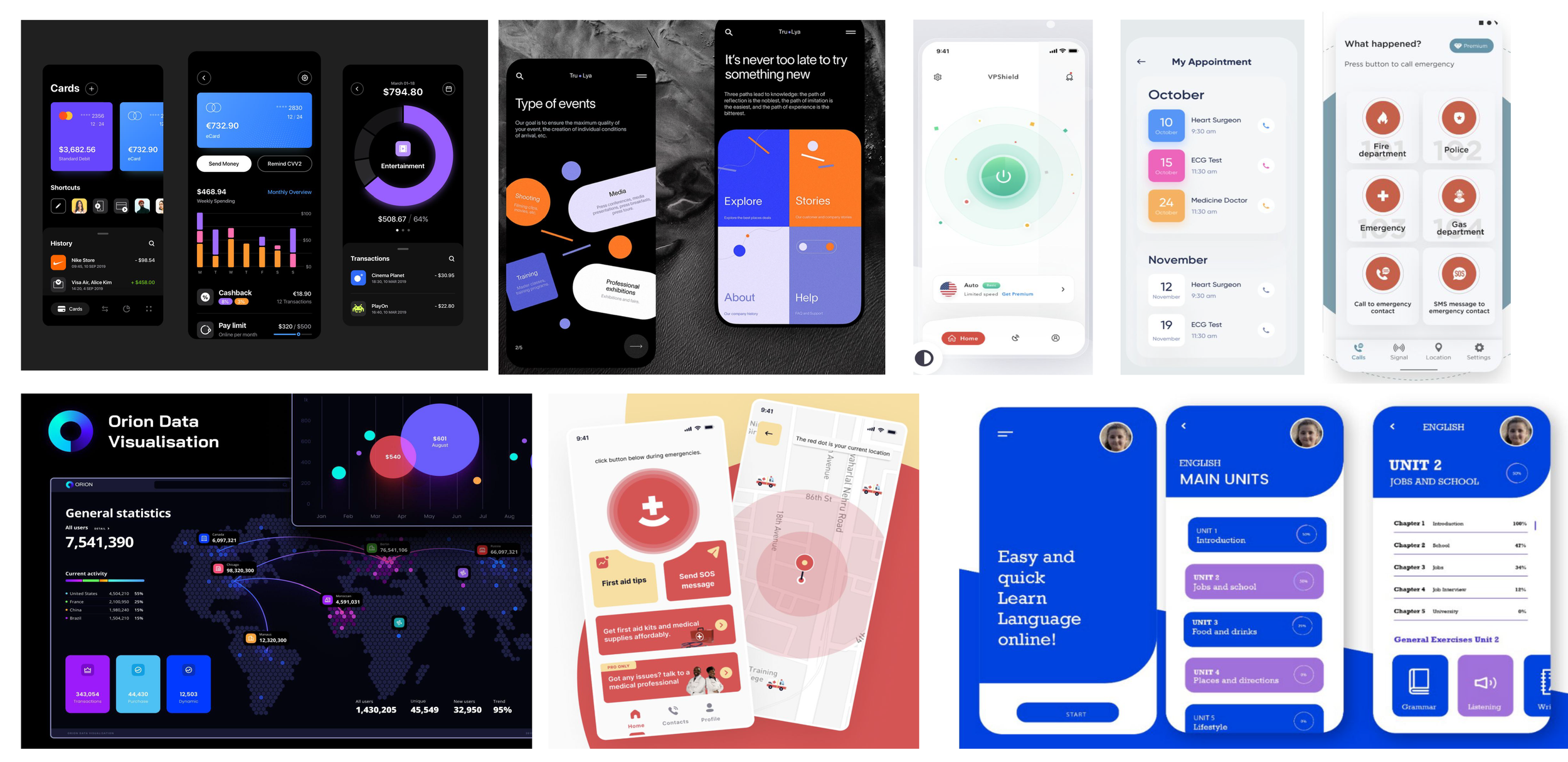
During this stage, fonts and colors were implemented to guide users through the screens. Here I learned that the app needed to convey a sense of security yet be approachable at the same time.
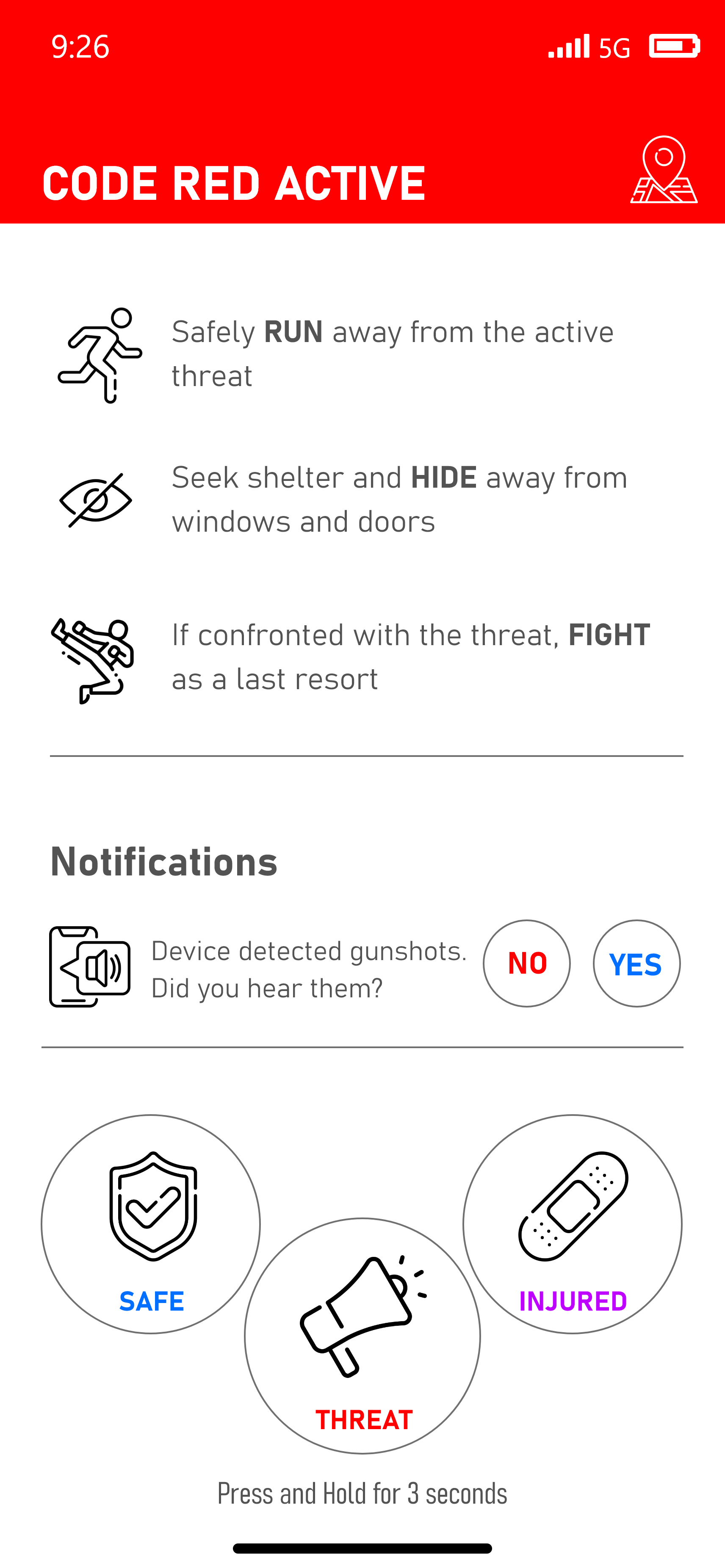
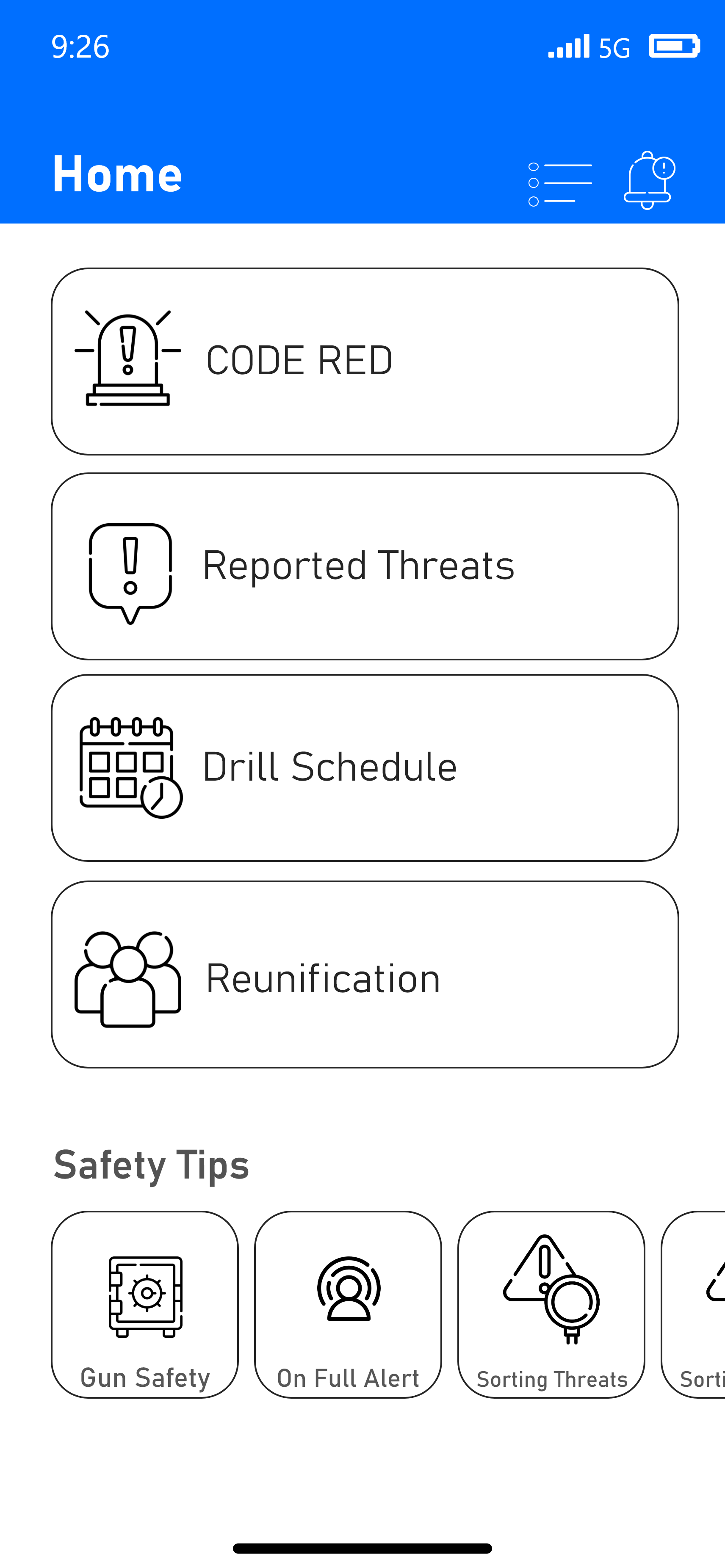
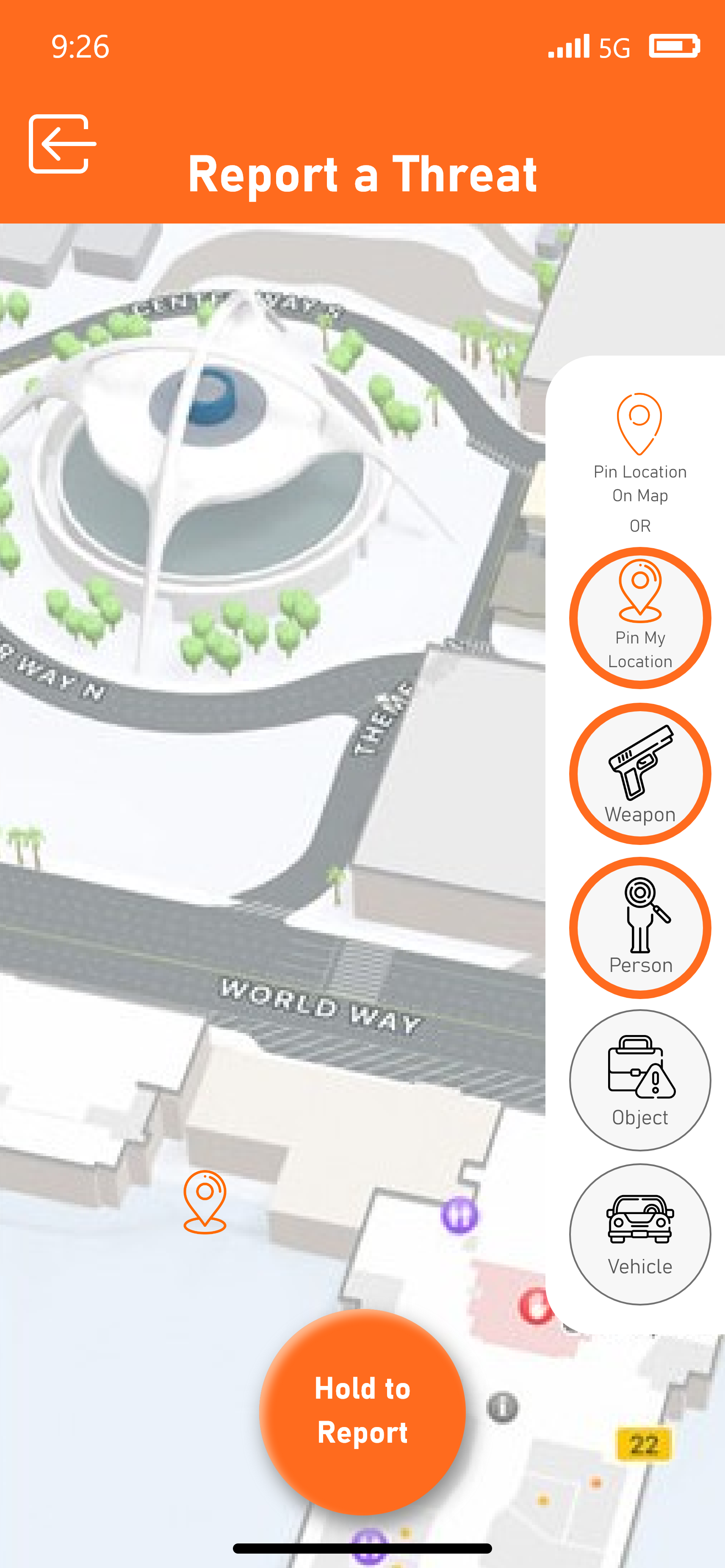
User Interface Design 2
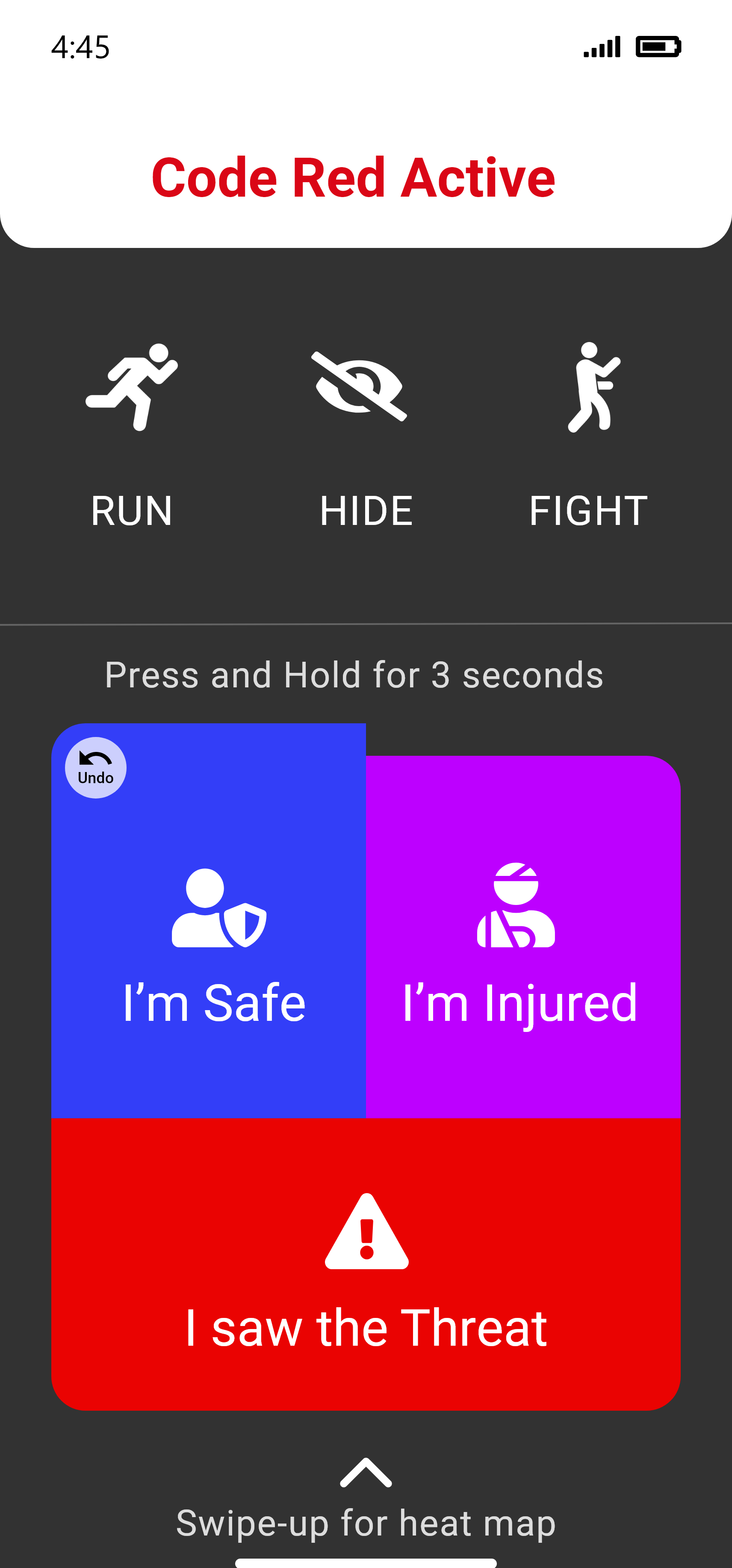
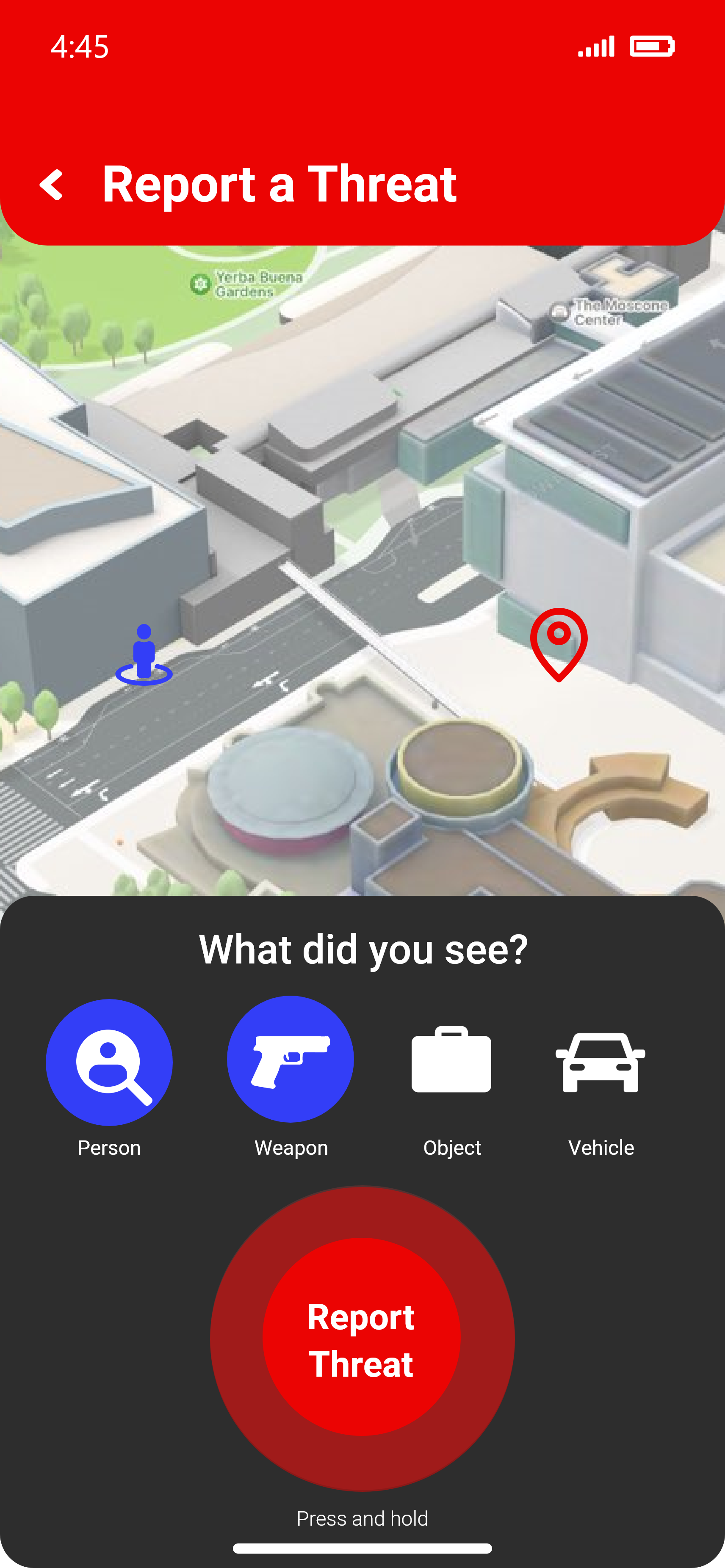
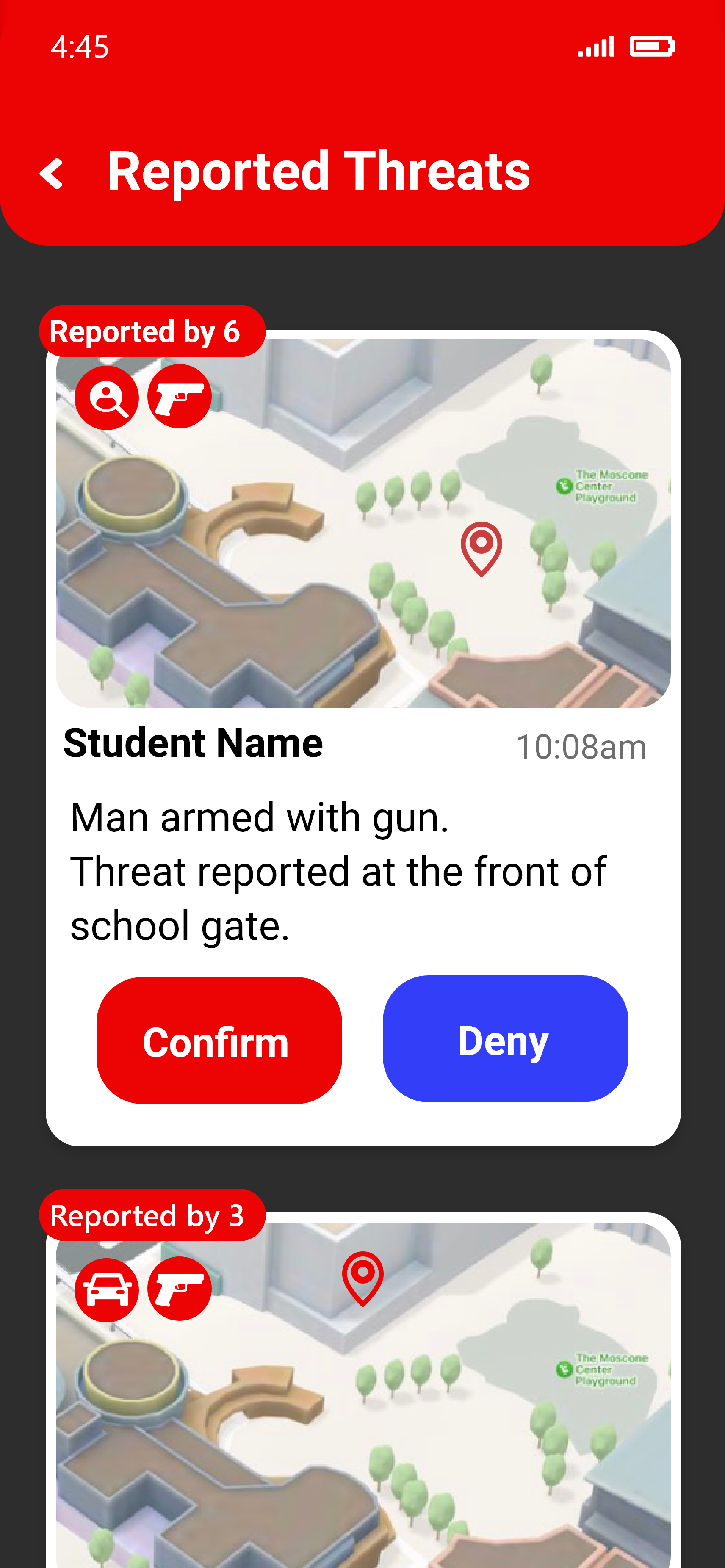
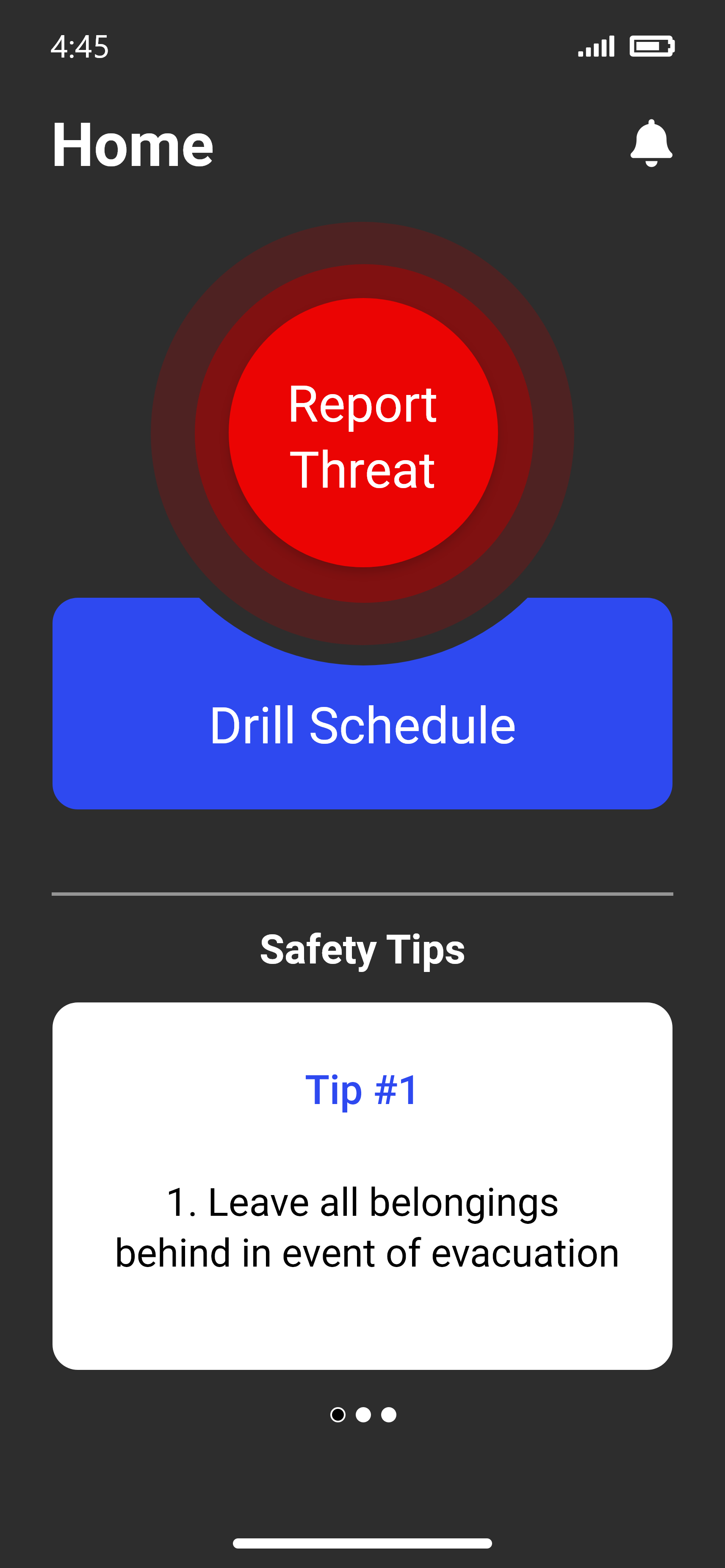
Refining the color palette, each button was made distinctive and the color saturation evokes a sense of alertness throughout the user experience.
Final Design
Refining the color palette, each button was made distinctive and the color saturation evokes a sense of alertness throughout the user experience.
Jump into other projects